

Here is how to choose Control-panel Licences on ServersCrest and find your service after ordering.
Choose the software you need, such as cPanel or DirectAdmin. Match the licence to the server type and account allowance listed for that product.
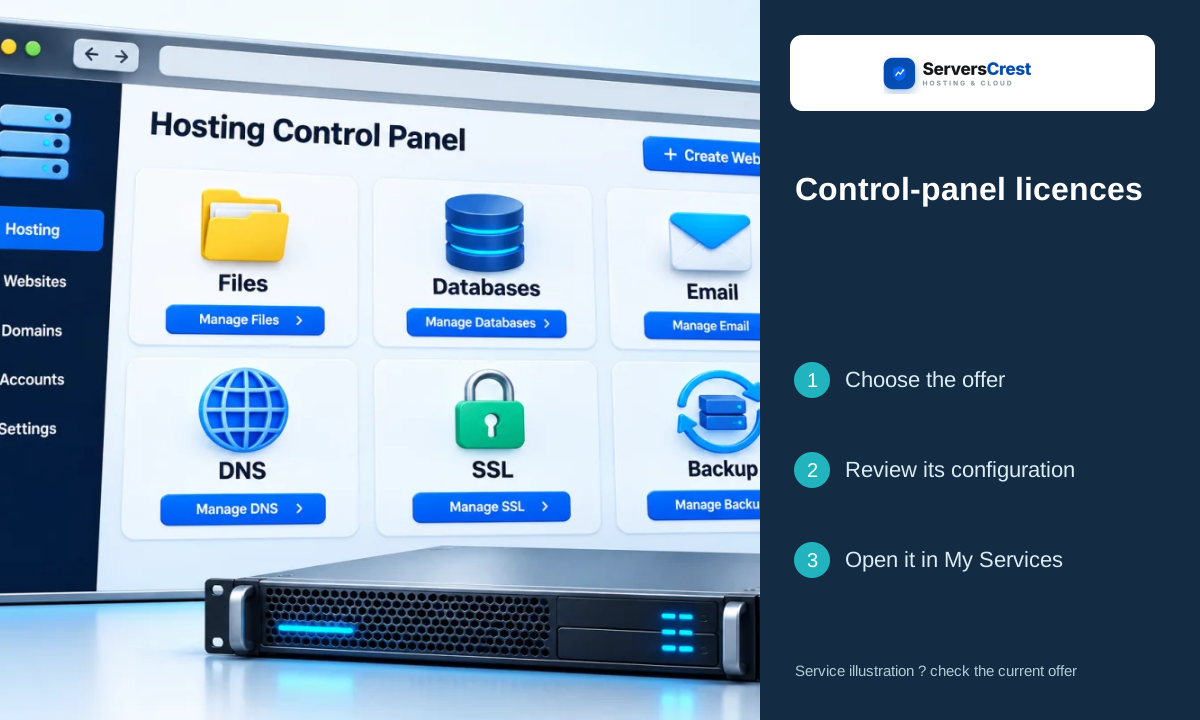
Plans you can choose:
- cPanel VPS Licence
- cPanel Dedicated
- DirectAdmin License
Open the service page to compare current prices and what each plan includes.
Choose your Control-panel Licences order
Open the Control-panel Licences page on ServersCrest. Compare the current choices and select the plan or request option you want.
If the form asks for a server IP, use the public IP of the server where the panel will run. Do not use your personal internet IP.
Check the product name, billing period, currency and total in the order summary. Sign in to the ServersCrest account that should own this service, then follow the payment instructions.
Find your Control-panel Licences service
Open the licence in My Services and follow its delivered activation or installation instructions. Check the licence status inside the installed panel.
This is a software licence, not a separate hosting server. Ask support if you do not yet have the server you want to license.
Choosing OS and web-server licences · Choosing Server security-tool licences
Need help with this? Send us a ticket and tell us which page you reached and what happened.
