

After you sign in to ServersCrest, your dashboard is the place to find your hosting, domains and bills. Here is where to go for each one.
Open this page on ServersCrest.
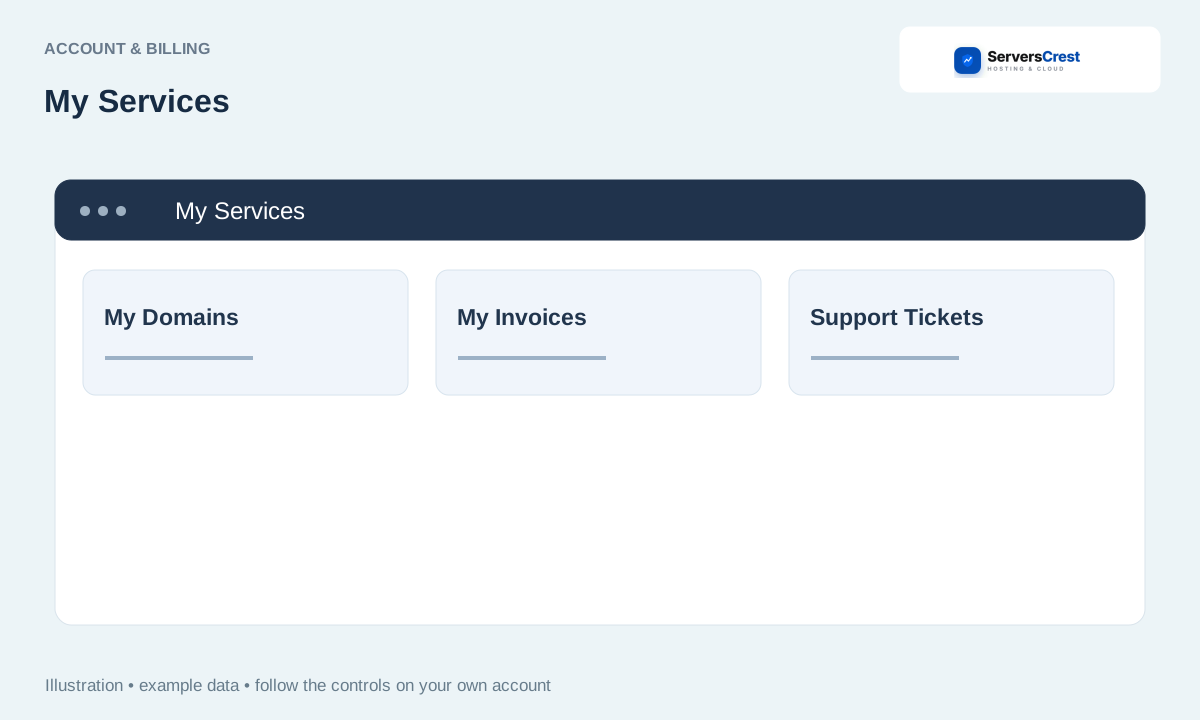
Choose the account item you need
Sign in and open the Dashboard. Use the account that owns the service you want to manage. If someone invited you to their account, choose that account first.
Choose My Services for hosting, My Domains for registrations or My Invoices for billing. For example, to open cPanel, go to My Services, not My Domains. My Domains is where you manage the domain registration and its nameservers.
Select the domain or service before using its actions. If you have several hosting accounts, check the domain on the row before opening it. Two services can have similar plan names.
Read balance, invoice and renewal notices; open a notice to see the related record. A notice about an unpaid invoice takes you to the bill. Open it to see what the payment is for before you pay.
Update your account and billing details · Change or reset your ServersCrest password
Need help with this? Send us a ticket and tell us which page you reached and what happened.
