

The Tools page on ServersCrest contains small utilities for checking websites and working with text. Choose the tool for the job you want to do.
Open this page on ServersCrest.
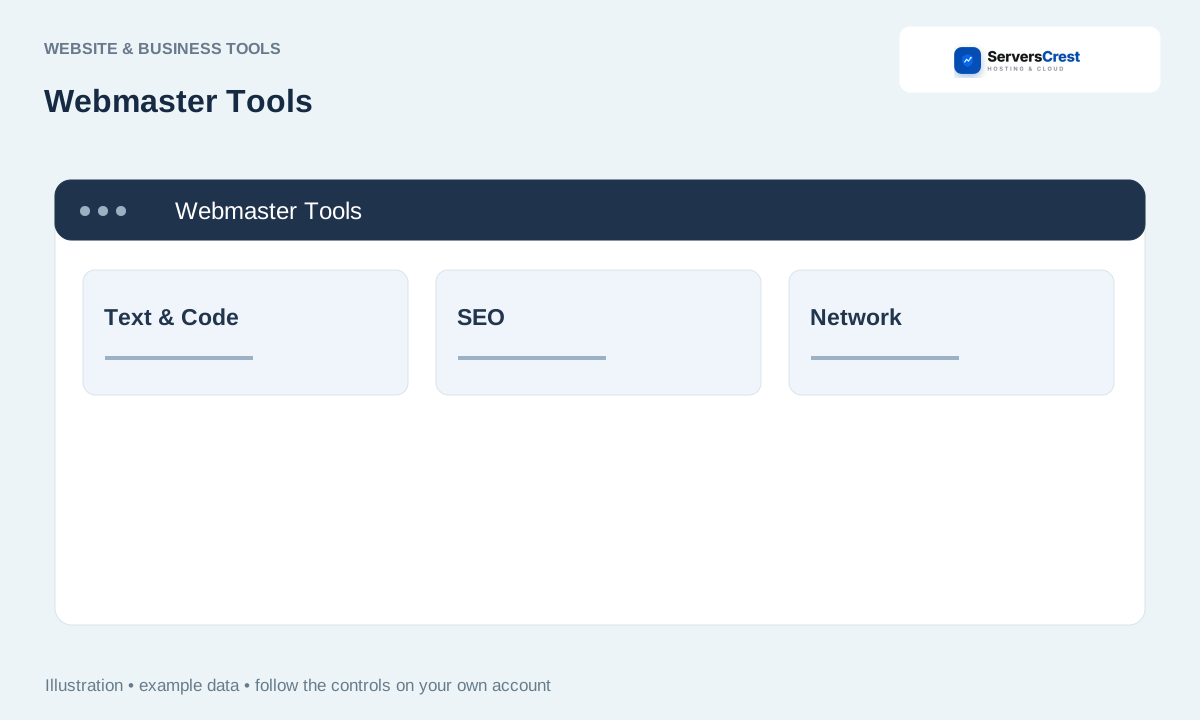
Open Business Tools and Tools
Open Tools and choose the utility you need. For example, choose SSL Certificate Checker for certificate dates or Redirect Checker to see where a URL sends visitors.
Read the input labels and enter the appropriate public URL or text. A page-checking tool needs the full public URL. Text tools need the text you want to convert; keep private keys and passwords out of them.
Run the tool and review its output. Read the result before copying it into a live site. Most checkers report information; they do not change your website for you.
Use the dedicated guide for that tool if you need more detail. Use the tool-specific article for an example and advice on what its result means.
Create and download a logo concept · Generate, preview and download a website
Need help with this? Send us a ticket and tell us which page you reached and what happened.
