

My Websites is where you check website projects attached to your ServersCrest account.
Open this page on ServersCrest.
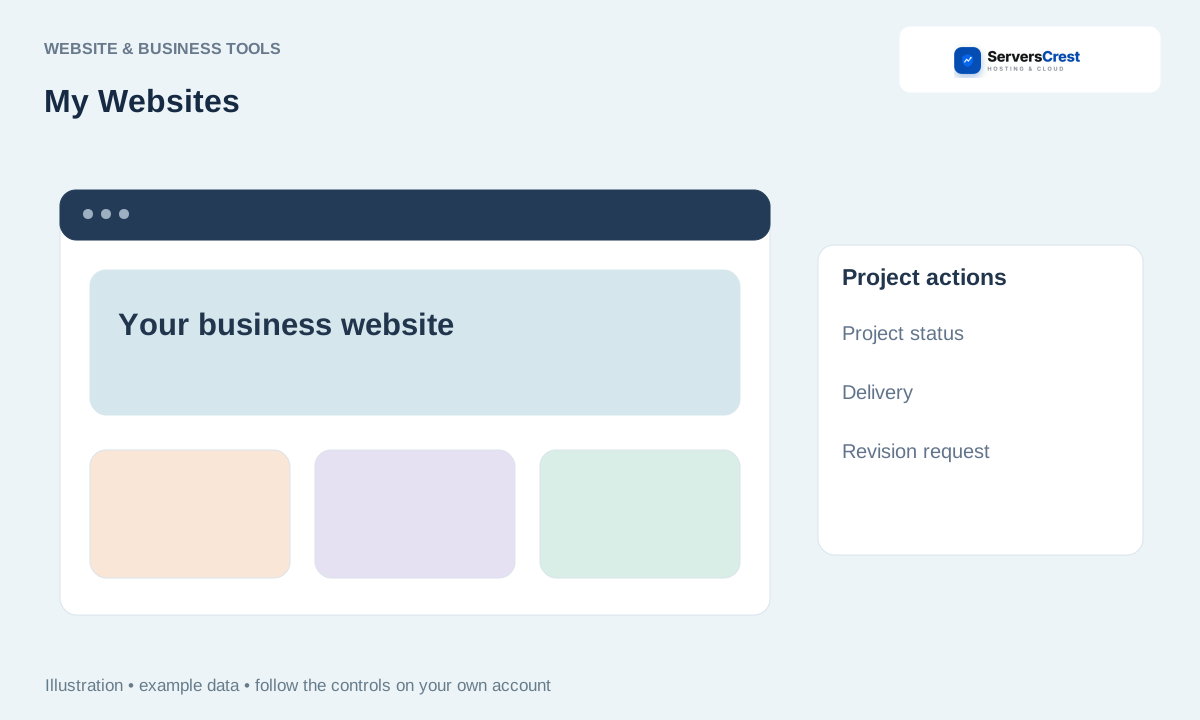
Open My Websites from the account menu
Sign in and open My Websites. Use the same account that placed the project order.
Select the project you want to check. Match the project name before opening its details.
Review status, delivery information and available downloads. Read any request for content or approval. Download available files and keep a copy before marking the work approved.
Contact support about required content, revisions or delivery questions. Include the project reference and the exact change you need. For example, name the page and the text you want corrected.
Create and download a logo concept · Generate, preview and download a website
Need help with this? Send us a ticket and tell us which page you reached and what happened.
