

Use Logo Maker on ServersCrest to try ideas for your business logo and download the result you like.
Open this page on ServersCrest.
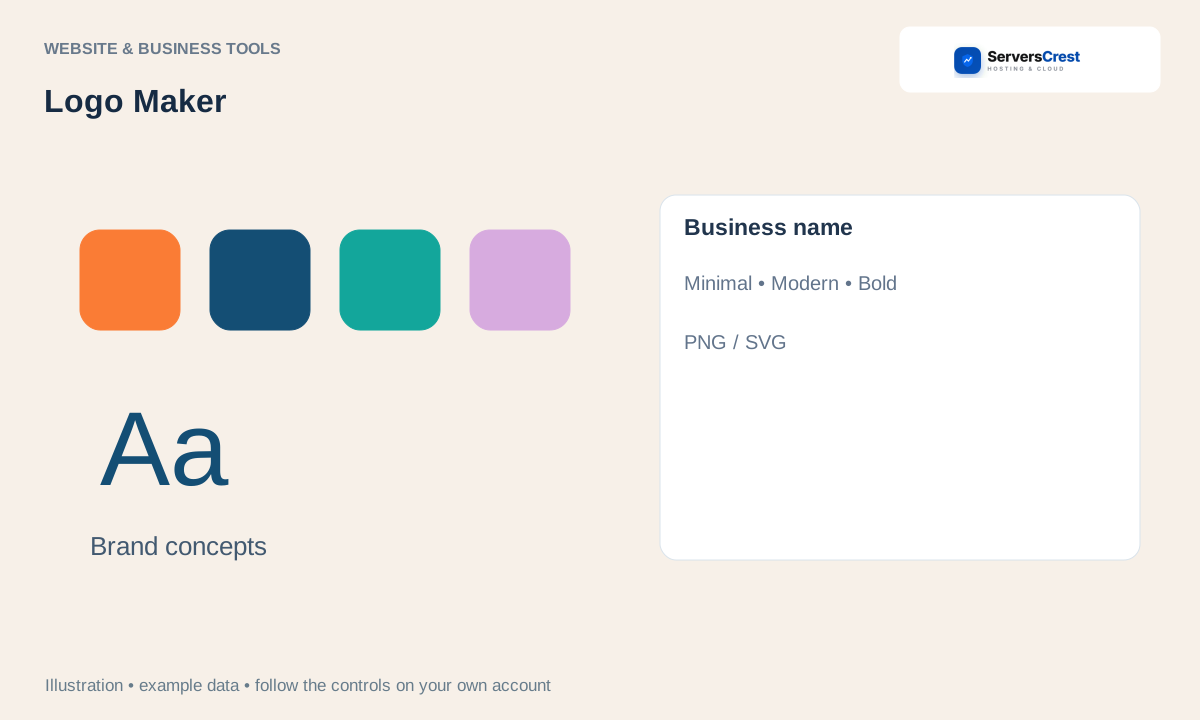
Enter your brand in Logo Maker
Enter your business name or description. Check the business name spelling first. Add a short description that helps explain what the business does.
Choose a style and click Generate logos. Choose a style that fits the business, then wait for the results rather than clicking Generate repeatedly.
Compare the concepts and check their spelling. Check the name at a small size too. A design that looks good on a large preview may be hard to read in a website header.
Download the chosen PNG or SVG and save a copy. Keep the original download. A PNG is useful for many web uploads; an SVG can be useful where vector files are accepted. Professional design is a separate service.
Generate, preview and download a website · Track a professional website project
Need help with this? Send us a ticket and tell us which page you reached and what happened.
