

Account notices appear on your ServersCrest dashboard. Read the notice to see whether it concerns a payment, renewal or another account update.
Open this page on ServersCrest.
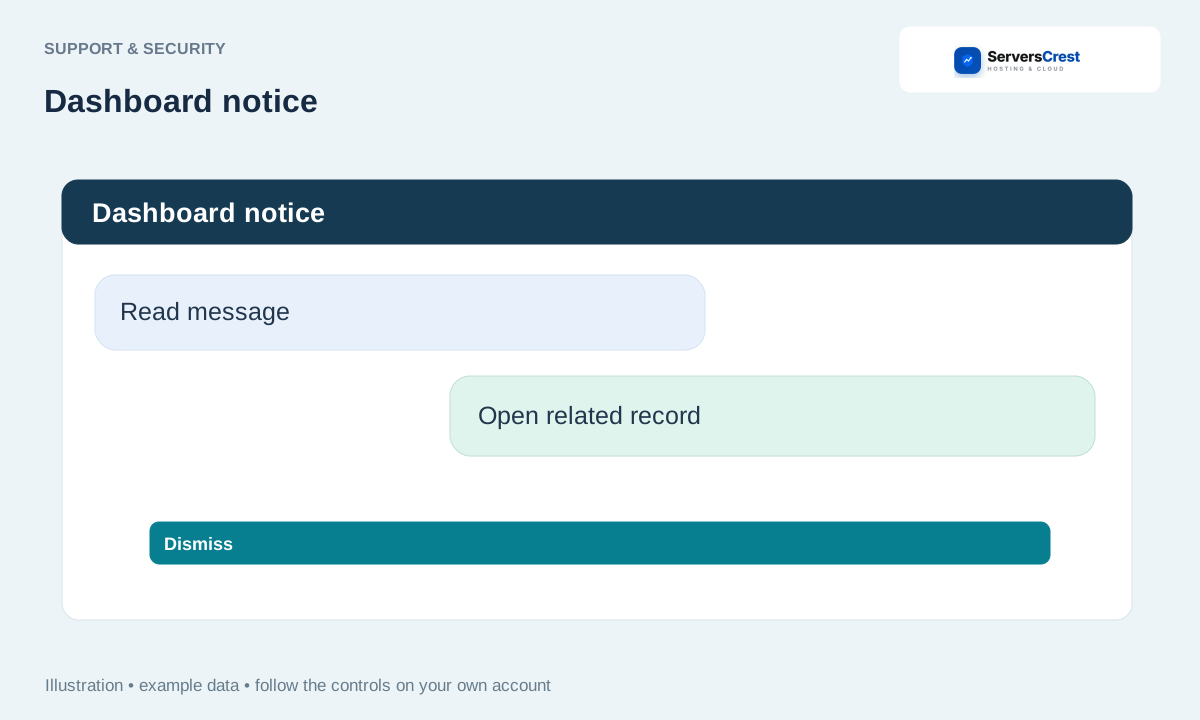
Read the notice on your dashboard
Read the notice in the dashboard centre. Check the subject and the service named in the message before taking action.
Open the bell or message centre when shown. The message centre may contain notices you have not opened yet.
Check which invoice, domain or service the notice concerns. For a payment notice, open the invoice itself to check its current status; an older message may describe an earlier state.
Follow its action or dismiss it when offered and appropriate. Dismissing a notice does not pay a bill or renew a service. Complete the action on the related page if it is still needed.
Review your account security settings · Get help with Ask ServersCrest
Need help with this? Send us a ticket and tell us which page you reached and what happened.
