

Open a support ticket when you need the team to investigate a service or reply with account-specific help.
Open this page on ServersCrest.
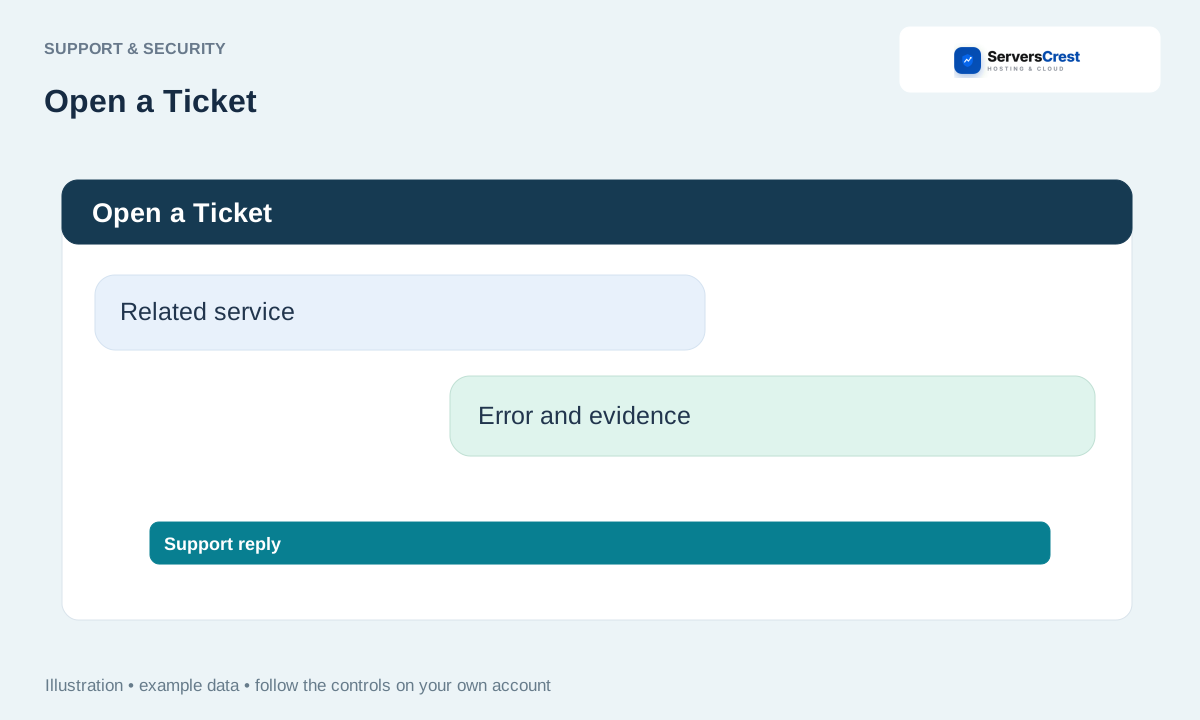
Open a ticket for the affected service
Sign in and choose Open a Ticket. Signing in lets the team link the request to your account.
Select the offered department and related service. Choose the service with the problem. If it is about a bill, include the invoice number in your message.
Describe the domain, error, start time and steps you already tried. Write what you expected to happen and what actually happened. For example: I clicked Log in to cPanel for mydomain.com and a blank tab opened.
Attach a useful screenshot with secrets removed. Crop out passwords, payment details and API keys. Show enough of the screen to make the error clear.
Submit and follow replies under Support Tickets. Reply on the same ticket if you have more information. That keeps the history in one place.
Review your account security settings · Get help with Ask ServersCrest
Need help with this? Send us a ticket and tell us which page you reached and what happened.
