

You can ask for a person from the same Ask ServersCrest chat. There is no need to search for a second chat button.
Open this page on ServersCrest.
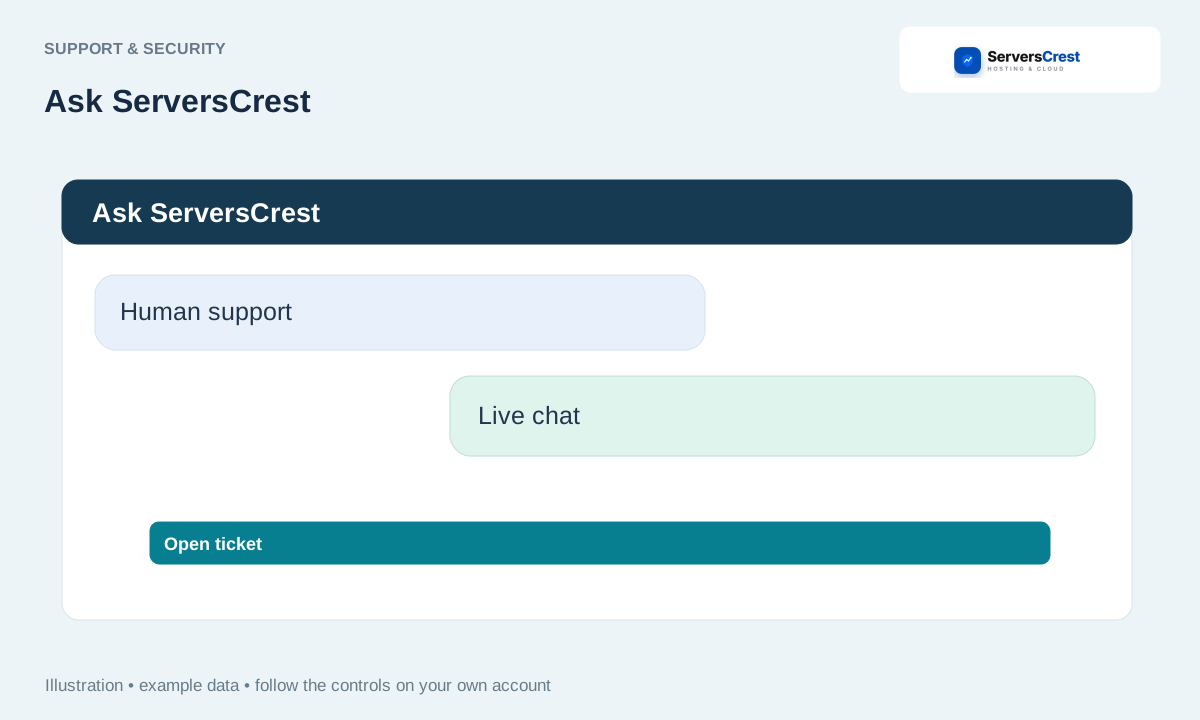
Choose Human support in the AI toolbar
Open Ask ServersCrest. You can open it while browsing the website or from your dashboard.
Click Human support or say you want a human. This opens our human-support chat widget when it is available.
Follow the live-chat pre-chat, availability or offline instructions. Tell the agent which domain or invoice you need help with. The AI conversation is not automatically handed to the agent, so include the useful details again.
If chat is unavailable, use Open ticket with your service or invoice number. A ticket is useful when the team needs time to investigate. Keep the reply thread together rather than opening several tickets for the same problem.
Review your account security settings · Get help with Ask ServersCrest
Need help with this? Send us a ticket and tell us which page you reached and what happened.
