

Check both your reseller prices and available credit before sending a domain order from your WHMCS.
Open this page on ServersCrest.
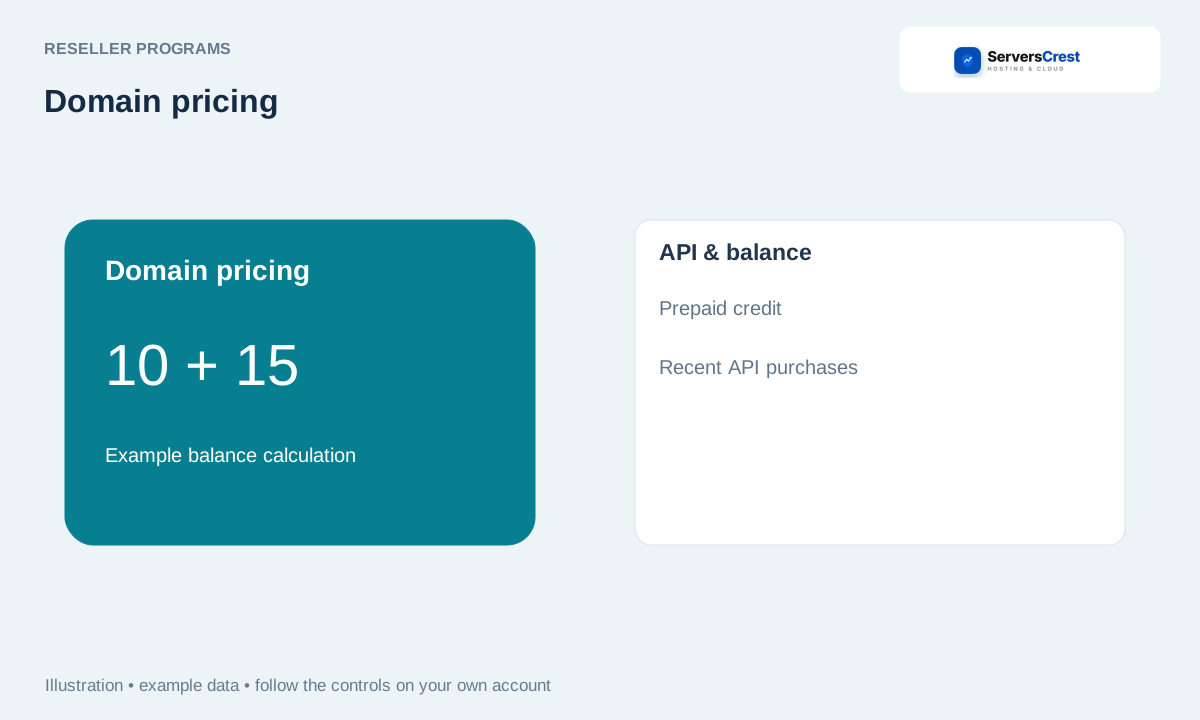
Read Pricing and API & balance
Review Pricing in Domain Reseller. Registration, transfer and renewal can have different prices. Check the extension and period your customer selected.
Open API & balance to check credit and currency. Read the currency with the balance. A pending funding invoice is not available credit.
Pay an Add Funds invoice before sending purchases. Wait until the invoice is Paid and the balance has updated before retrying a purchase.
Check Recent API purchases for a pending request and give support its operation number. If a request is still pending, keep its operation number. Ask support to check it before sending another registration request with a new reference.
Apply to become a domain reseller · Connect your WHMCS to domain reselling
Need help with this? Send us a ticket and tell us which page you reached and what happened.
