

Use Customers in Domain Reseller to organise the domains you sell. A customer entry is a label for your reseller records, not a new ServersCrest login.
Open this page on ServersCrest.
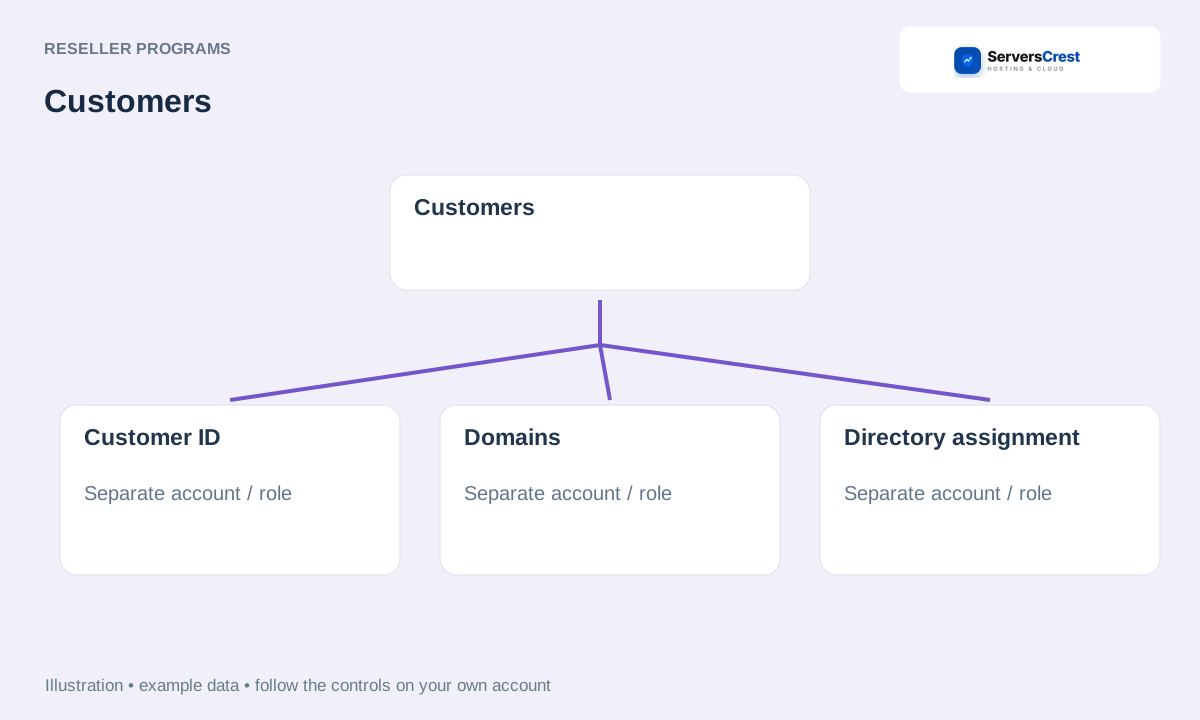
Create a customer under Customers
Open Domain Reseller, then Customers. You must already be approved for domain reselling to see this area.
Create accurate contact records and note each customer ID. Use details that help you recognise the customer later. Keep the ID shown for the saved record.
Under Domains, assign the appropriate customer ID to the domain. Match the customer to the right domain. Assigning a directory entry does not itself change the legal registrant details.
Use Manage domain for supported registrar controls. Use the supported domain actions for changes such as nameservers. If you need to change registration contacts, use the contact action or ask support.
Apply to become a domain reseller · Connect your WHMCS to domain reselling
Need help with this? Send us a ticket and tell us which page you reached and what happened.
