

Once your domain reseller application is approved, connect your own WHMCS so your customers can order domains on your website.
Open this page on ServersCrest.
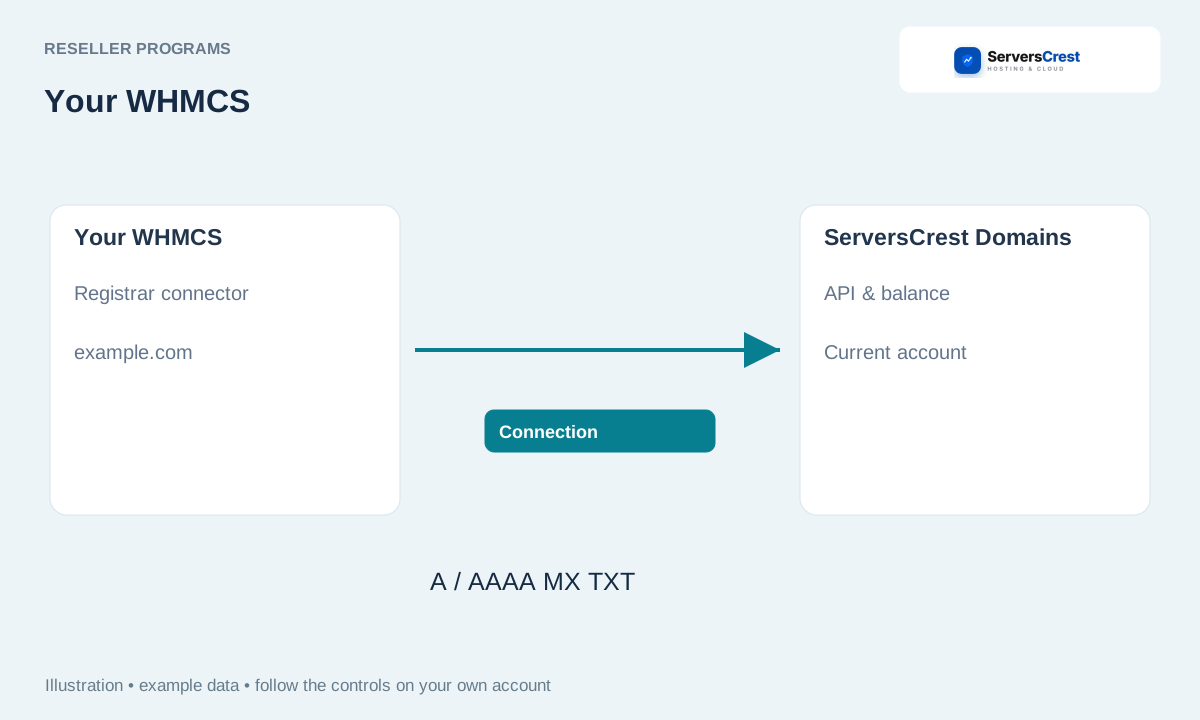
Download the registrar connector from API & balance
Open Domain Reseller, then API & balance. Use the API URL shown in your reseller area. Your customer dashboard URL is not a replacement for that API address.
Fund your account and download the registrar connector. Pay the funding invoice before testing a purchase. Download the connector to your computer.
Create an API key for your WHMCS server's outgoing IP and copy it when shown. Ask your hosting provider for the outgoing IP if you do not know it. Your home or office internet IP is not the IP of your WHMCS server.
Extract into your WHMCS and activate ServersCrest Domains under Domain Registrars. Keep the package folder structure when uploading. Activate the registrar in your own WHMCS, not in a customer hosting panel.
Enter the portal API URL and key; use TLD & Pricing Sync for costs and markup. Choose your markup after reviewing the fetched prices. Check each currency and period you plan to sell.
Assign the registrar to supported extensions and test your setup. Only enable extensions you want to offer. A real registration costs money, so review the settings before sending an order.
Apply to become a domain reseller · Organize reseller domain customers
Need help with this? Send us a ticket and tell us which page you reached and what happened.
