

You can update registration contact details from the domain in your ServersCrest account when its registrar supports that action.
Open this page on ServersCrest.
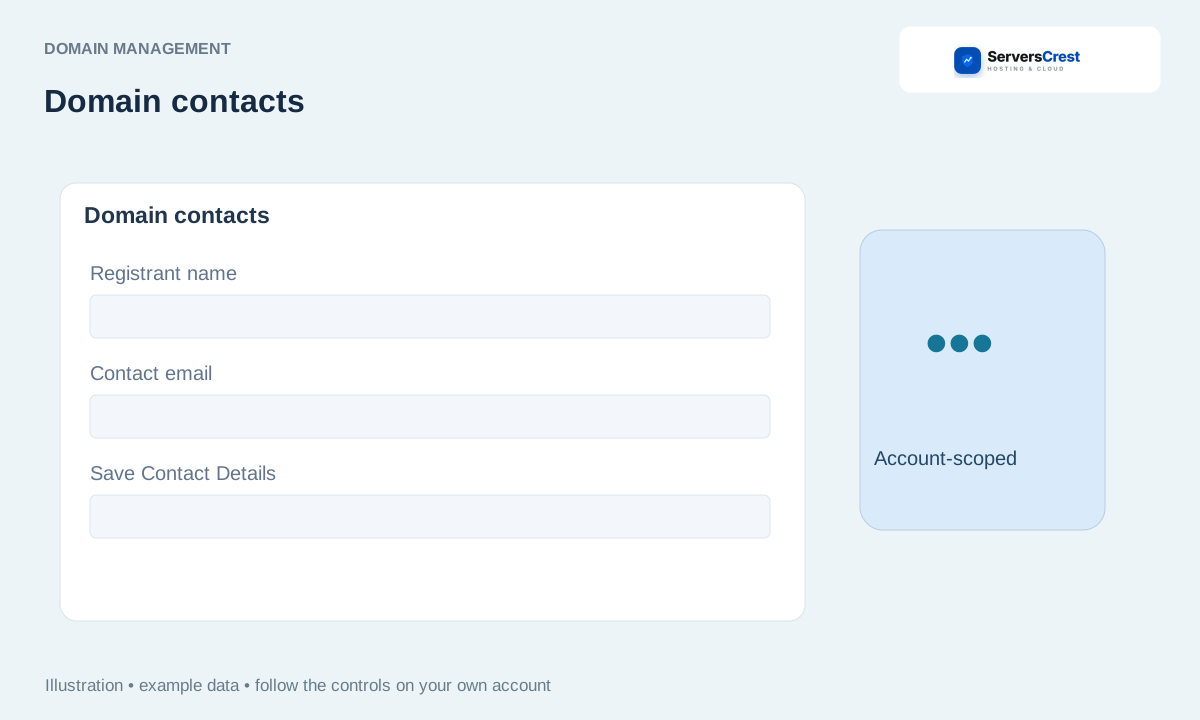
Open registration contact information
Open the domain in My Domains. Check the domain name, then open its management page.
Choose the contact-information action supported for its extension. Contact details here belong to the domain registration. Editing Account Details alone may not change them.
Enter accurate details and save. Use an email address you can receive messages at. Check spelling before saving.
Complete any registrar confirmation or verification email. Some changes require confirmation and can affect transfer eligibility. Follow the registrar message and contact support if the action is not available.
Search for and register a domain · Transfer a domain registration to ServersCrest
Need help with this? Send us a ticket and tell us which page you reached and what happened.
