

To buy a domain on ServersCrest, start with Domain Search. Search the full name you want, including its ending, such as yourname.com.
Open this page on ServersCrest.
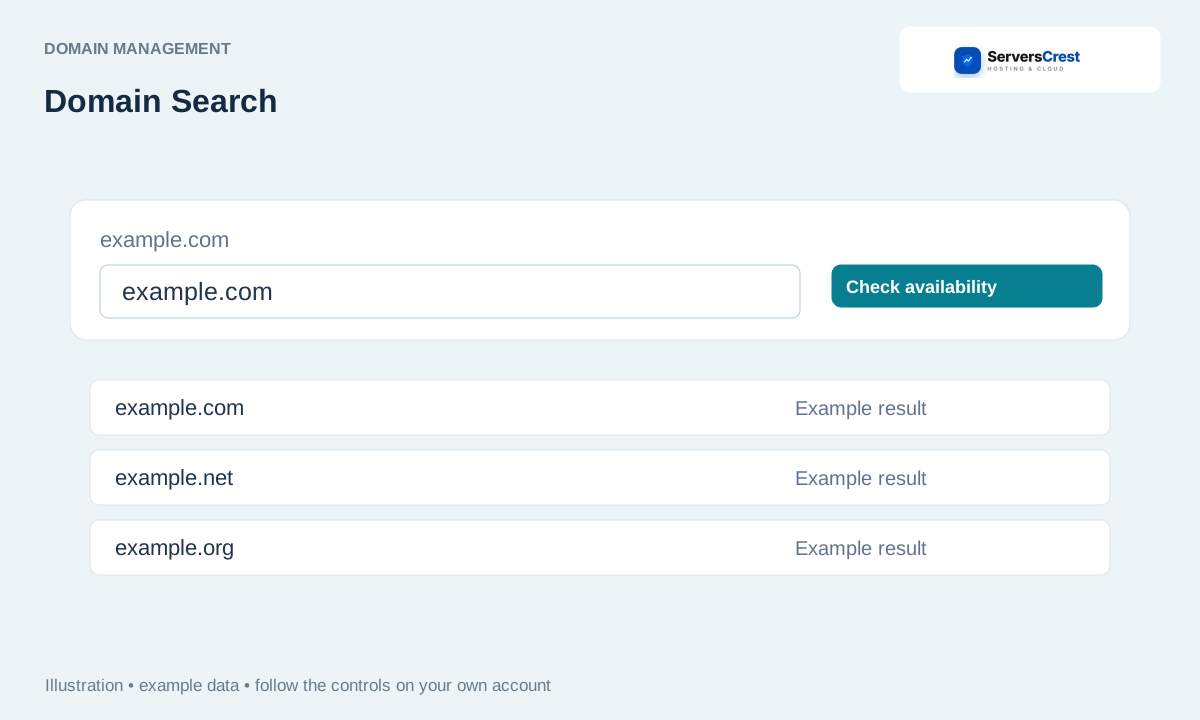
Search the exact domain name
Open Domain Search and enter the full domain. Check the spelling before searching. A suggested name is another possible choice, not a name you already own.
Review availability, period and current price. Read the registration price and renewal price where shown. Choose the period you want before adding the name to the cart.
Select an available name and enter accurate registrant contacts. Use real contact details that you can verify. The registration may need an email confirmation after purchase.
Add hosting only if needed, then review checkout and pay. You can buy just the domain if you already have hosting. Review any extras in the summary before paying.
Check My Domains and any registration-verification email. Look for the name in My Domains and follow any verification email. Payment confirmation alone is not the same as a completed registration.
Transfer a domain registration to ServersCrest · Renew a domain and review auto-renewal
Need help with this? Send us a ticket and tell us which page you reached and what happened.
