

Use this only if you want the domain removed from Cloudflare. If you just want to stop ServersCrest updating DNS, use Disconnect sync instead.
Open this page on ServersCrest.
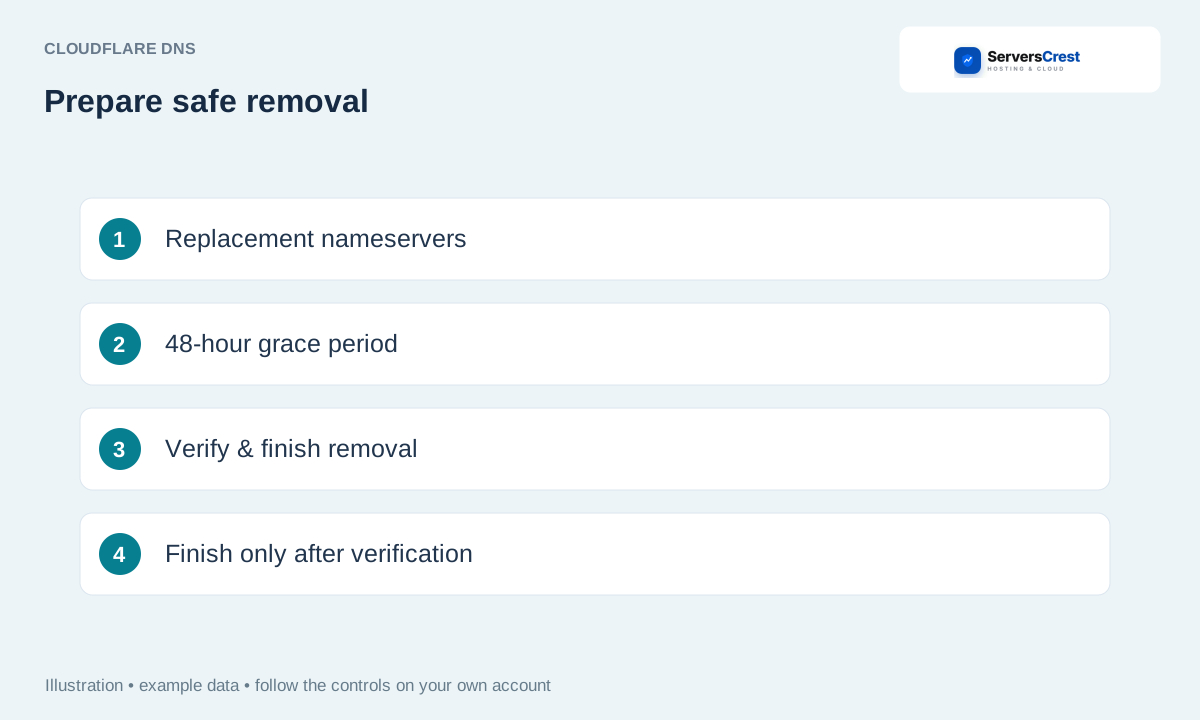
Prepare replacement DNS before removing the zone
Open Manage Cloudflare and expand Remove domain from Cloudflare. Keep the replacement hosting and DNS ready. Removing Cloudflare before replacement DNS works can take the website and email offline.
Type the domain and choose Prepare safe removal. Typing the name confirms which domain you intend to remove. Prepare safe removal starts the checks; it does not delete the zone at once.
Resolve missing replacement records and DNSSEC warnings. Read the records or DNSSEC items the page asks you to fix. Ask support if you do not know what a listed record is for.
Set replacement nameservers when instructed or verify the requested same-owner registration update. For a domain registered elsewhere, make the nameserver change at that registrar. Use the replacement nameservers shown for your intended hosting.
After the first successful public nameserver check, wait through the 48-hour cache grace period. The 48-hour wait starts after a successful public nameserver check, not when you first open the page.
Return and choose Verify replacement & finish removal; confirm only when checks pass. Return after that wait and finish the removal yourself. The system does not delete the Cloudflare zone just because you left this page open.
Disconnect Cloudflare sync when moving hosting · Change a registered domain's nameservers
Need help with this? Send us a ticket and tell us which page you reached and what happened.
