

You can stop automatic DNS updates without removing your domain from Cloudflare. Use the sync controls for that service on ServersCrest.
Open this page on ServersCrest.
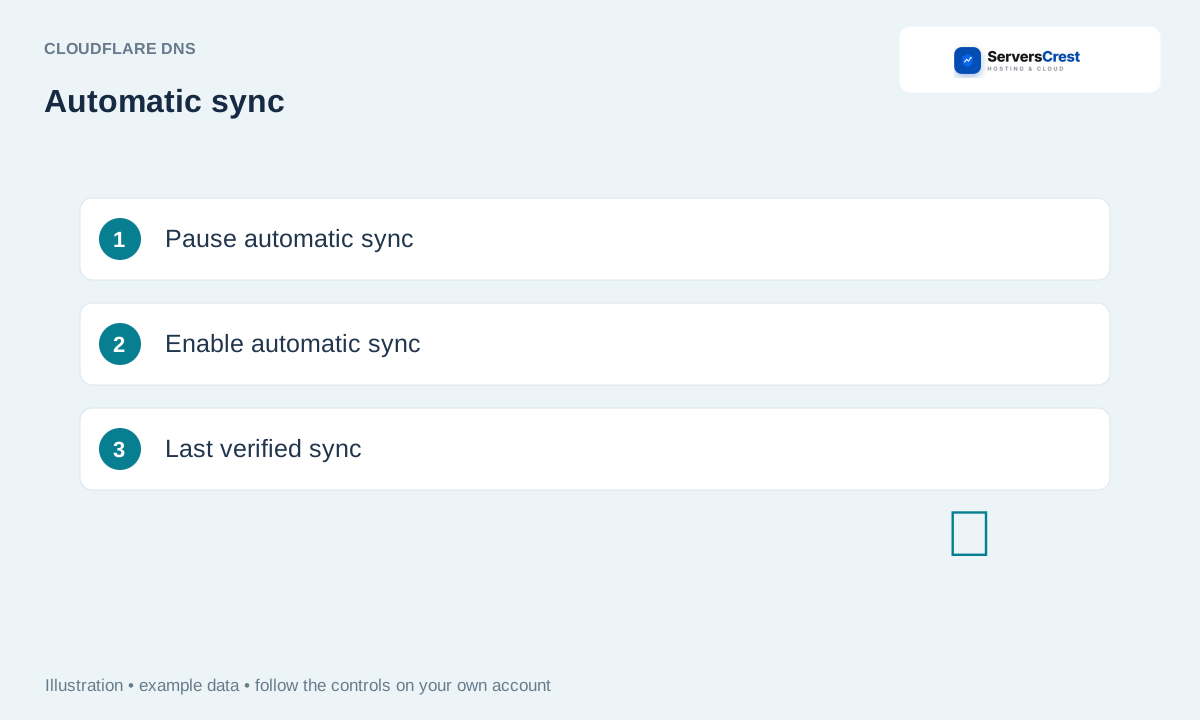
Read the synchronization status
Open Manage Cloudflare and read the sync status. Check the domain at the top of Manage Cloudflare before changing its sync settings.
Choose Pause automatic sync to stop scheduled changes. Pausing leaves the existing Cloudflare records in place. It stops scheduled changes from this connection.
Choose Enable automatic sync to resume it where permitted. Enable it again only when the hosting DNS has the records you want copied. The server schedule decides when the next automatic check runs.
Use Resync DNS for an immediate reviewed comparison. This shows a preview you can review now instead of waiting for the schedule.
Use Renew approval if Cloudflare access has expired. Complete the Cloudflare approval if asked. If sync keeps pausing, read its error and contact support with the domain.
Resync Cloudflare DNS after hosting changes · Disconnect Cloudflare sync when moving hosting
Need help with this? Send us a ticket and tell us which page you reached and what happened.
