

A website database needs a name, a database user and permission for that user to open it. You can set up all three from Databases on your hosting service.
Open this page on ServersCrest.
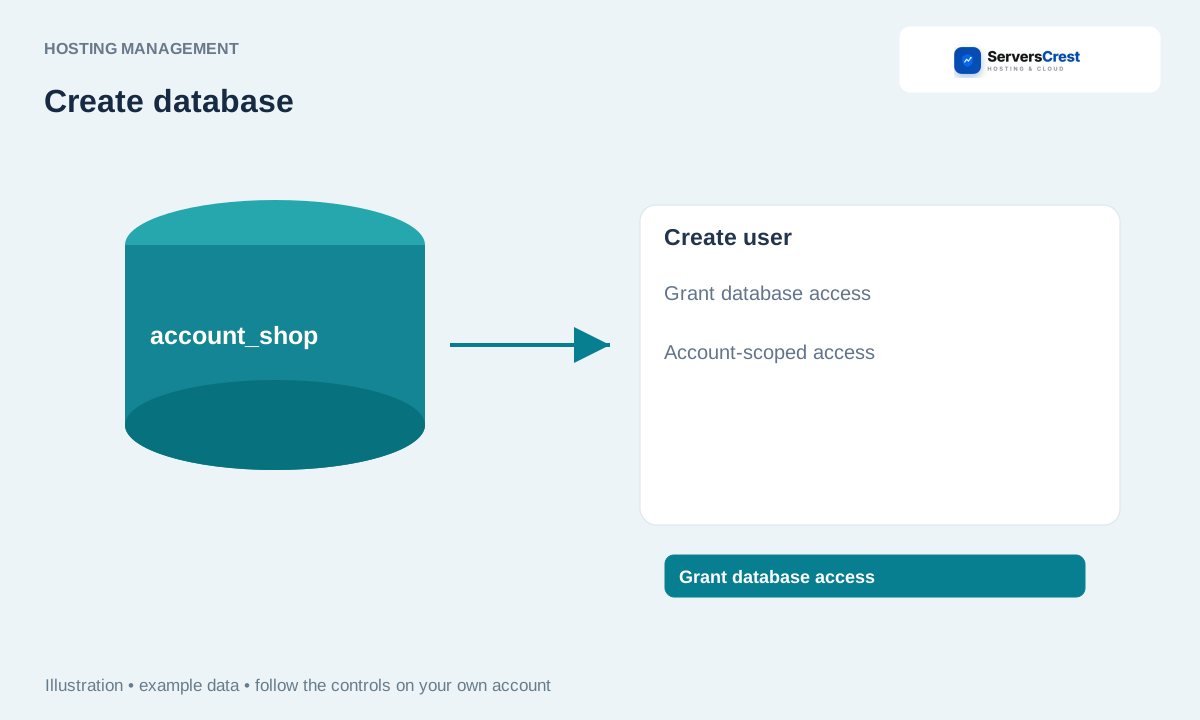
Open Databases on the hosting service
Open My Services, select your hosting and click Databases. Under Create a database, read the Prefix and enter the rest of the name. If the prefix is account_ and you enter shop, the full database name will be account_shop. Do not type the prefix twice.
Click Create database and find the saved name in the database list. You will need this full name when connecting your website. Copy it from the list rather than guessing it later.
Under Create a database user, enter the User name after the prefix and a password of at least 12 characters. Click Create user. This password belongs to the database user. It does not change your hosting or ServersCrest login password.
In Assign a user to a database, select the Database and Database user, then click Grant database access. Creating the user alone does not connect it to the database. Make sure you select the new database and the new user in this step.
Enter these details in your website configuration and test the connection. Copy the full username too. If the site says it cannot connect, check all four details and the user assignment before making a second database.
What to put in your website settings
Use the full prefixed database name and username from the lists, the password you set for that database user and the database host supplied for the service. Keep these details private. A missing user assignment can cause a connection error even when the names and password are correct.
Manage database users and privileges · Open phpMyAdmin for your hosting database · Manage website files from your service
Need help with this? Send us a ticket and tell us which page you reached and what happened.
