

Use Change Domain when you want a different main domain on an existing hosting account. This does not buy or transfer the new domain for you.
Open this page on ServersCrest.
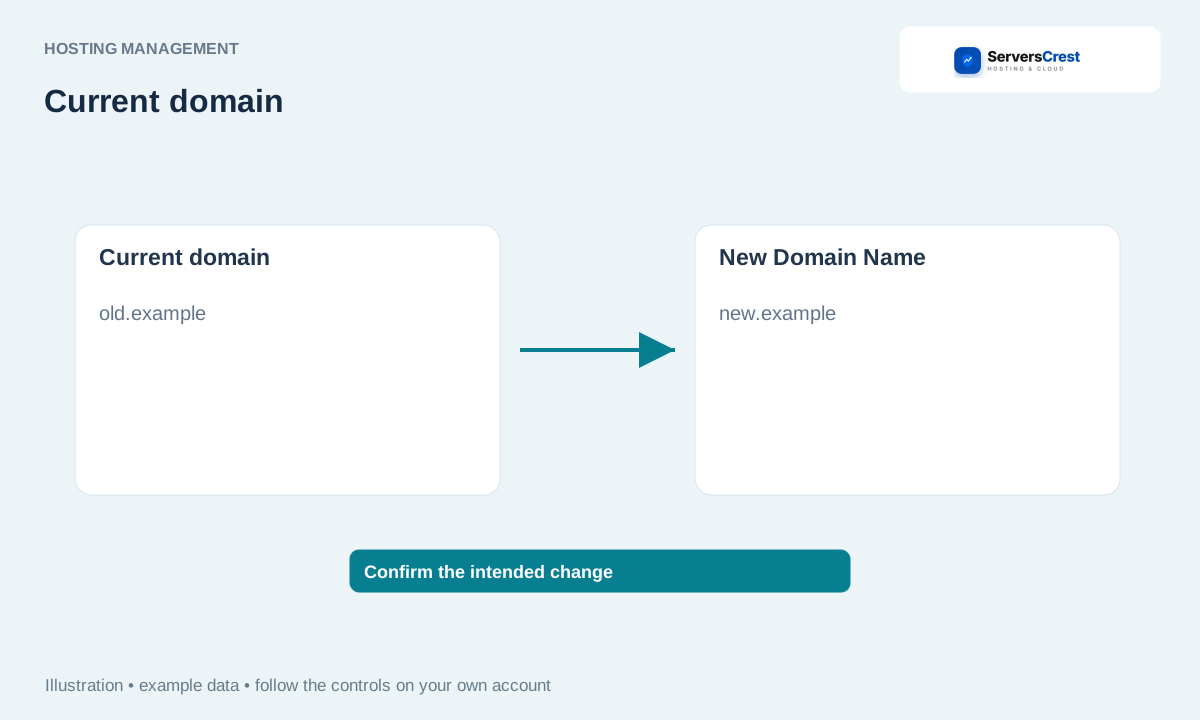
Choose Change Domain on the active service
Back up your website and prepare the new domain. Keep copies of your website and database. Make sure you own the new name and can change its DNS.
Open the service and choose Change Domain. Check the old domain shown on the page. The action must belong to the hosting account you want to change.
Enter the new name without https:// or www; read and accept the warnings. For example, enter newname.com, not https://newname.com or www.newname.com. Read the page warnings before confirming.
Submit and wait for the confirmed result, then reopen the service. Wait for the result before submitting again. Check the main domain on the service page after it reloads.
Update DNS, application URLs and SSL as needed and test the site and mail. Your website may still contain the old address in its settings. Update those settings, point the new name to the hosting and check HTTPS and mail.
The new name opens the wrong site
Check the new domain DNS, the domain shown on the hosting service and the website own address setting. These are separate settings. Send support the old and new names if the hosting change did not complete.
Log in to cPanel from your service page · Log in to DirectAdmin from ServersCrest
Need help with this? Send us a ticket and tell us which page you reached and what happened.
