

Open your DirectAdmin hosting panel from the service you bought on ServersCrest. Make sure you choose the correct hosting account first.
Open this page on ServersCrest.
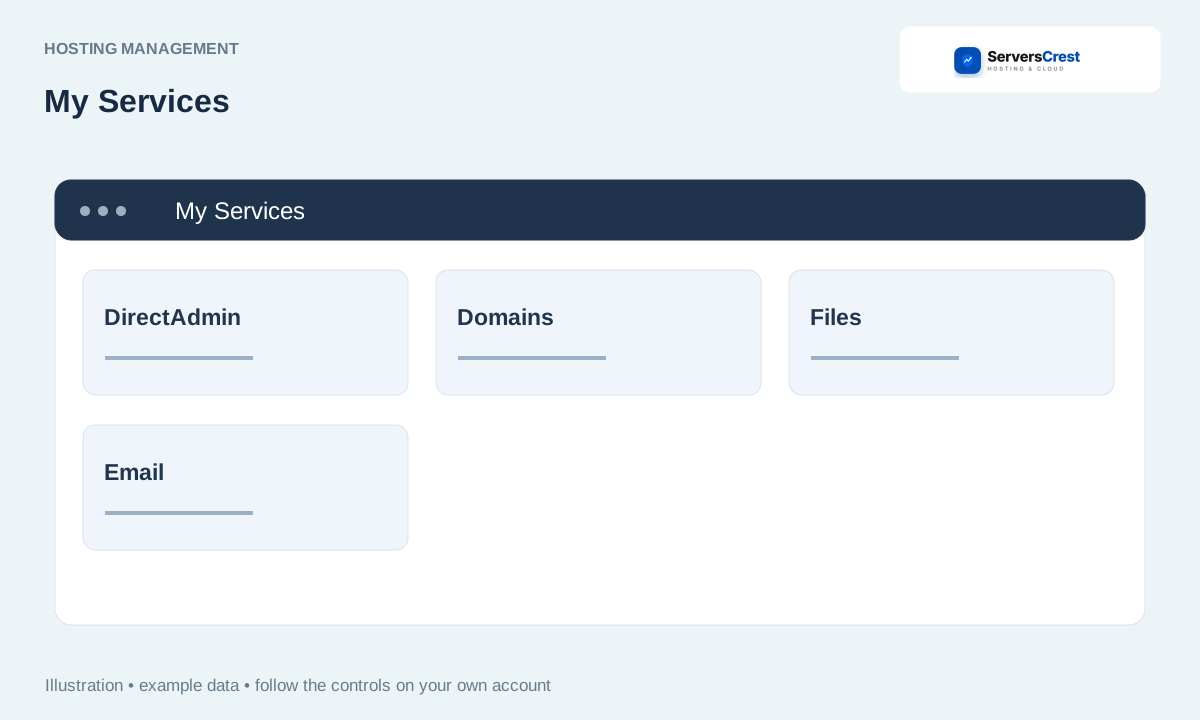
Open the DirectAdmin service
Open My Services and select the DirectAdmin account. Match the domain and plan name to the account you want to manage.
Choose Log in to DirectAdmin. Use this button on the service page, rather than a cPanel login button on a different hosting plan.
Allow the new tab and wait for the panel. If the browser blocks the new tab, allow it for ServersCrest and click again.
Check the hosting domain before editing settings. If you see a connection error instead of the panel, send support the service number and error text. Changing the account password will not fix an unreachable server.
Log in to cPanel from your service page · Find and copy hosting nameservers and IP addresses
Need help with this? Send us a ticket and tell us which page you reached and what happened.
