

You do not need to type your cPanel password each time. You can open cPanel from the hosting account in your ServersCrest dashboard.
Open this page on ServersCrest.
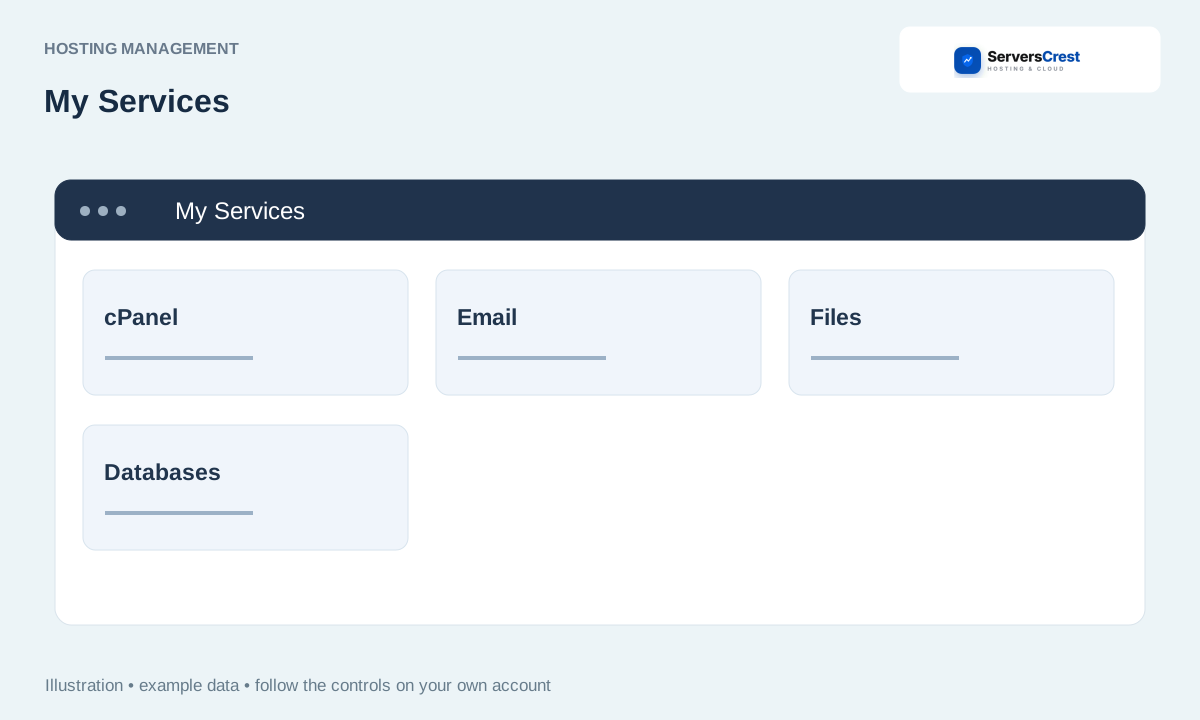
Select your cPanel hosting service
Open My Services and choose the cPanel hosting domain. Find the domain you want, then open that hosting service. Check that you chose the cPanel plan if you also own DirectAdmin services.
Click Log in to cPanel in Actions, or Open cPanel in the hosting workspace. The button opens the control panel for this hosting account. You should not need to enter your ServersCrest password on a cPanel login form.
Allow the requested new tab if the browser blocks it. Look for the blocked-popup icon beside the browser address bar if nothing appears. Allow the new tab, then try the button again.
Confirm the account domain before making changes. Once cPanel opens, you can use its File Manager, email tools and other features. If login fails, send support the domain and the message shown.
Log in to DirectAdmin from ServersCrest · Find and copy hosting nameservers and IP addresses
Need help with this? Send us a ticket and tell us which page you reached and what happened.
