

Found a ServersCrest offer? Copy its code from Domain Promos and use the service button on that offer to start your order.
Open this page on ServersCrest.
Start with an eligible promotion
Open Domain Promos and read the offer terms. Check which service, domain extension and billing period the offer covers. Also check whether it is still within its dates.
Copy the code and choose the relevant service button. An offer can have several service buttons. Click the one for the service you actually want to buy.
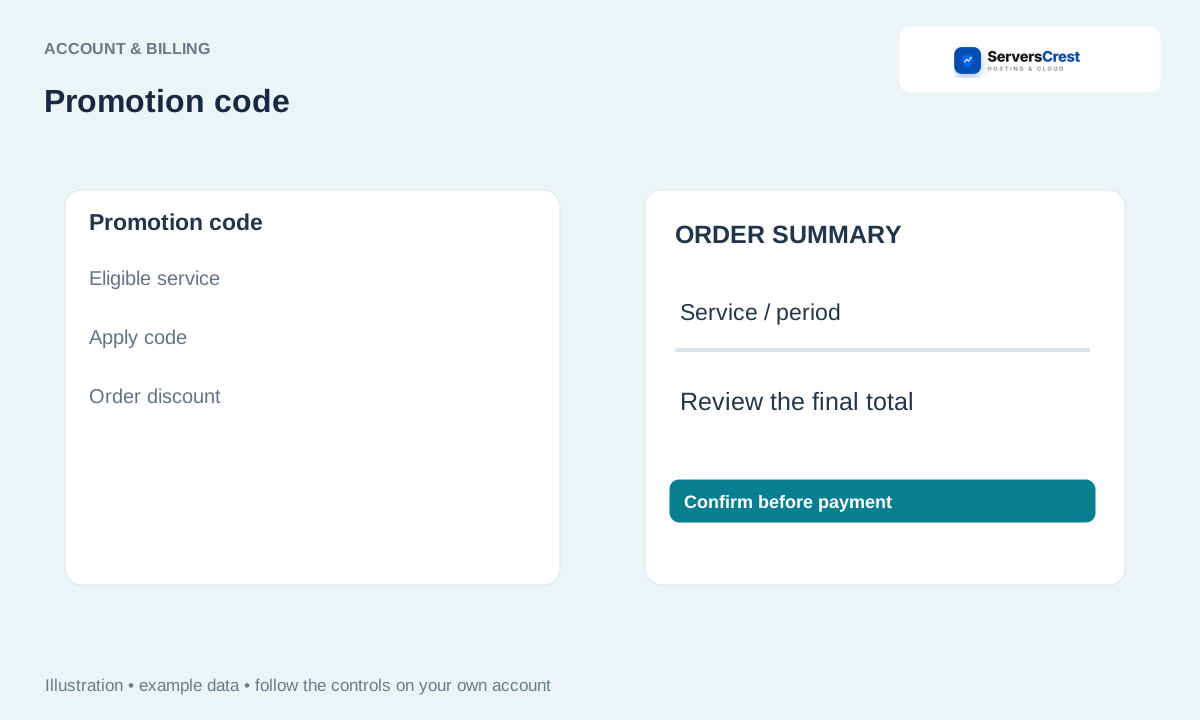
Check the cart promotion field; paste the code if needed. The service link may fill the code for you. If the field is empty, paste your copied code and apply it.
Review the applied discount and final total before submitting. Look for the discount in the order summary. If it is rejected, check the offer terms before paying; typing a code alone does not apply a discount.
Find your way around your ServersCrest dashboard · Update your account and billing details
Need help with this? Send us a ticket and tell us which page you reached and what happened.
