

You can pay an outstanding bill from My Invoices in your ServersCrest account. Open the bill first so you can see exactly what you are paying for.
Open this page on ServersCrest.
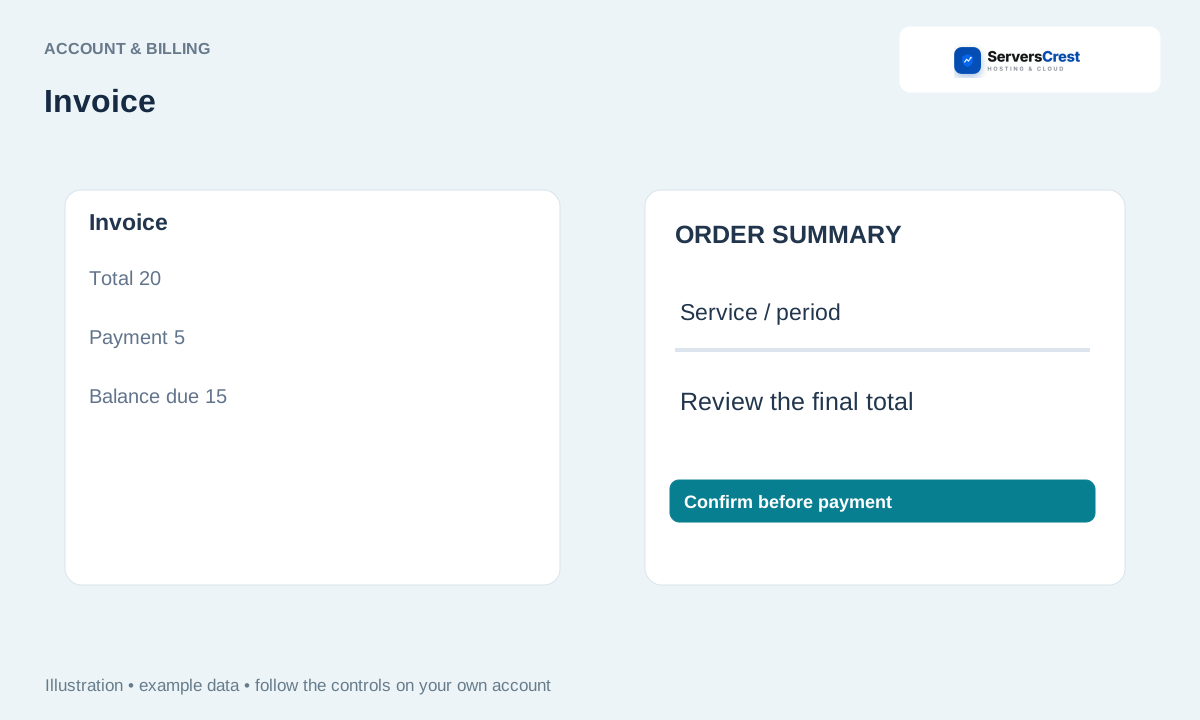
Open the unpaid invoice in My Invoices
Open My Invoices and select the unpaid invoice. If you arrived from a renewal notice, match the invoice number to the one in that notice.
Check its items, currency, balance and due date. Read the description beside each charge. A domain renewal and a hosting renewal are separate charges even when they use the same domain name.
Choose an offered payment method and follow its payment instructions. Use a payment method listed for that invoice. If it opens another payment page, complete the steps there and return to ServersCrest.
Return and confirm that the invoice shows Paid once payment is recorded. If you were charged but the invoice is still Unpaid, send support the invoice number and payment reference. Check with us before paying it a second time.
Find your way around your ServersCrest dashboard · Update your account and billing details
Need help with this? Send us a ticket and tell us which page you reached and what happened.
