

Create a domain reseller API key when you are ready to connect your WHMCS. Keep the secret private because it allows requests from your reseller account.
Open this page on ServersCrest.
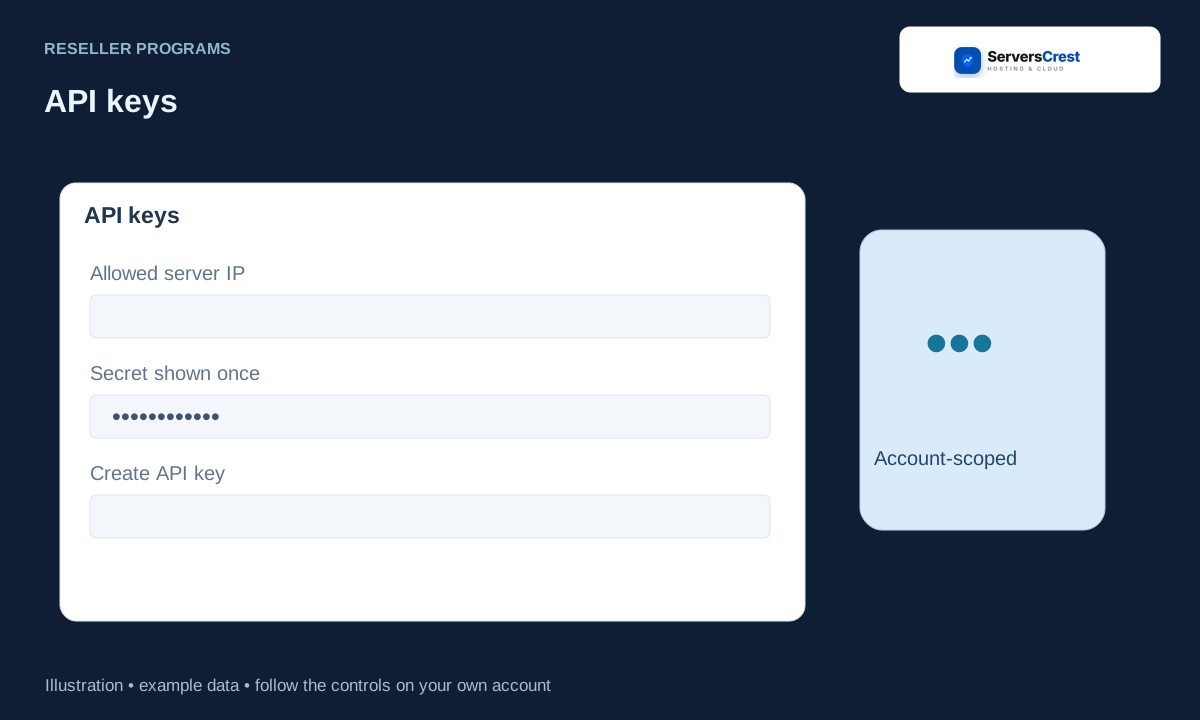
Open API keys in API & balance
Open Domain Reseller, then API & balance. You need an approved domain reseller account to see this page.
Enter a key label and the outgoing IP addresses of your WHMCS server. Use a label you will recognise, such as Main WHMCS. Enter the outgoing server IP, not your laptop IP.
Create the key and copy the secret when shown; it cannot be displayed again. Save the secret in a password manager while it is displayed. You cannot reopen it later to read the same secret.
Store it in your own registrar connector settings. Copy it into the ServersCrest Domains registrar settings in your WHMCS. Check that there are no extra spaces.
To stop its access, choose Revoke key and update or remove the old connector configuration. Revoke a lost or unwanted key. If a working connector uses it, replace that connector key too or its next request will fail.
Apply to become a domain reseller · Connect your WHMCS to domain reselling
Need help with this? Send us a ticket and tell us which page you reached and what happened.
