

You can add someone to receive account emails or invite someone to help manage your account. Choose the option that matches what you want them to do.
Open this page on ServersCrest.
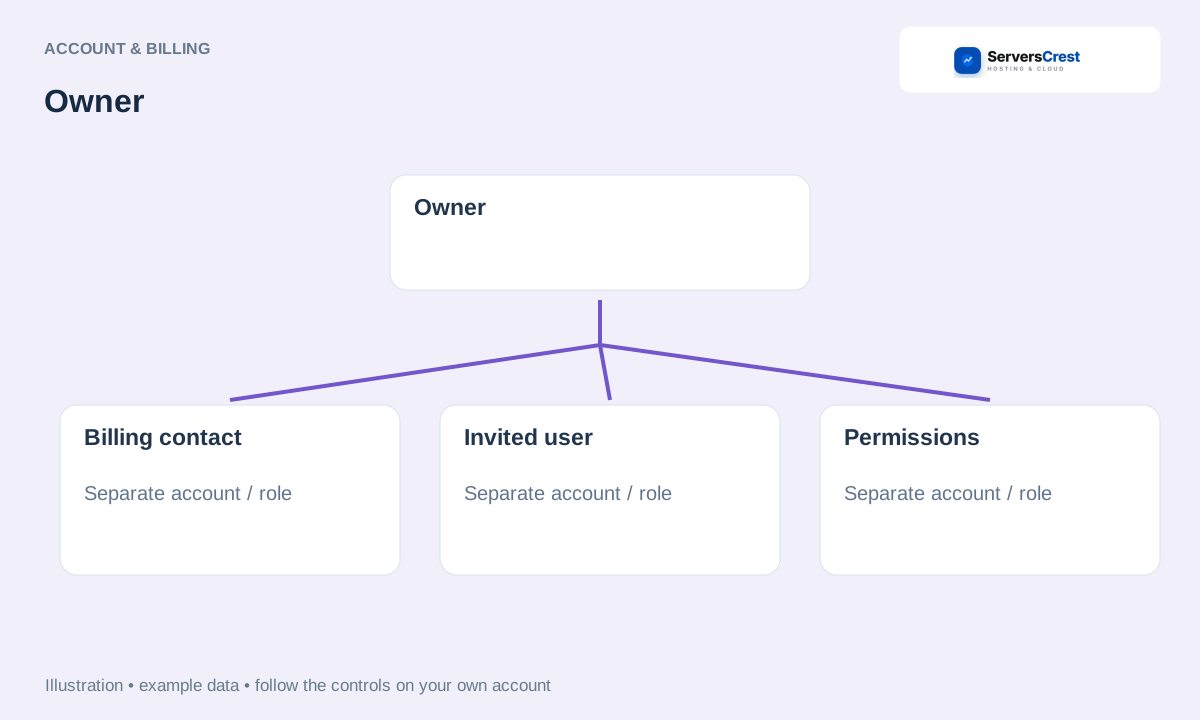
Decide between a contact and a login user
Open the contacts or user-management option available in your account menu. Use Contacts for email recipients. Use User Management when the person needs their own sign-in and permission to work on your account.
For a contact, enter accurate details and choose the emails they should receive. For example, select billing emails for the person who handles payments. Check their email address before saving.
For a user invitation, use the user-management screen and review permissions. Invite the person with their own email address and select only the work they should be allowed to do. They should not need your password.
Save and check the contact or invitation status. Ask the person to check their invitation email if access is still pending. Creating a contact alone does not give them a dashboard login.
Find your way around your ServersCrest dashboard · Update your account and billing details
Need help with this? Send us a ticket and tell us which page you reached and what happened.
