

If a ServersCrest support agent asks for your Support PIN, find it on your signed-in dashboard.
Open this page on ServersCrest.
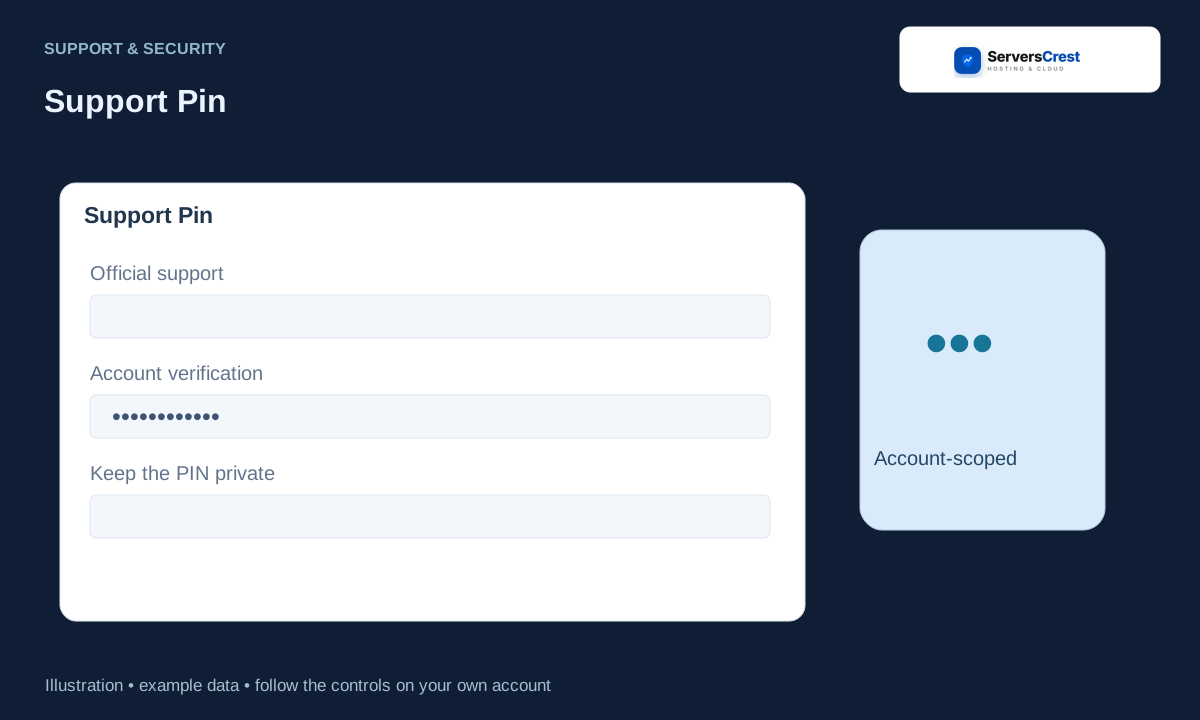
Find Support Pin in the signed-in dashboard
Sign in to the account concerned. Use the account the support request is about.
Find Support Pin on the dashboard. Read the current PIN on the card. Do not use a PIN copied from an old screenshot.
Use the displayed PIN only when an authorised support agent asks for it through an official support channel. Give it only through an official support conversation. The agent does not need your account password.
Follow the screen options if a PIN refresh is offered. If you refresh the PIN, use the new value for the current request.
Review your account security settings · Get help with Ask ServersCrest
Need help with this? Send us a ticket and tell us which page you reached and what happened.
