

You can use this tool on the ServersCrest Tools page. Enter the page URL you want people to share. Review the title, description and image returned by its Open Graph and Twitter tags.
Open Open Graph & Twitter Checker.
Check how a shared page is described
Open Tools and choose Open Graph & Twitter Checker.
Enter the page URL.
Click Check.
See the tags and a social-card preview.
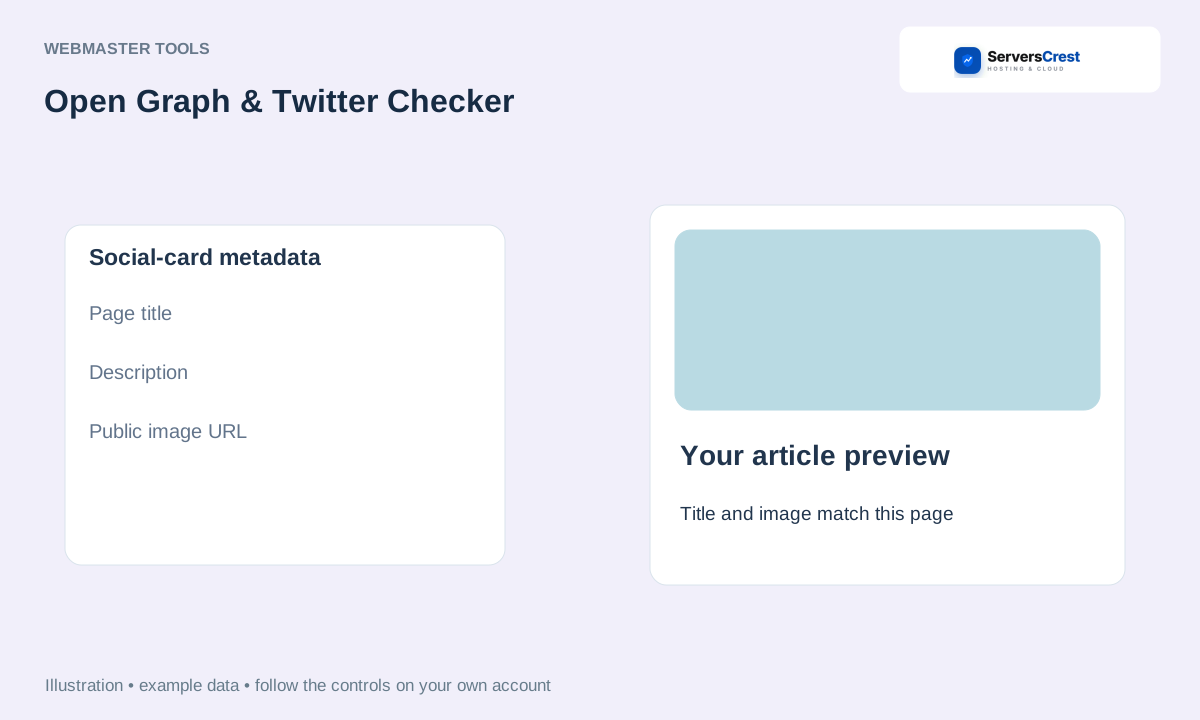
ServersCrest illustration using example details.
Correct the metadata in your website if the preview is wrong. Social platforms can cache an older preview, so a corrected page may not change an old shared post immediately.
How to use QR Code Generator · How to use Character & Word Counter
Need help with this? Send us a ticket and tell us which page you reached and what happened.
