

You can use this tool on the ServersCrest Tools page. Use the full public page URL. The result lists the heading levels returned by the page, such as H1 for its main heading and H2 for a section.
Check the headings on one page
Open Tools and choose H1H6 Heading Checker.
Enter the page URL.
Click Check.
Review the heading outline and counts.
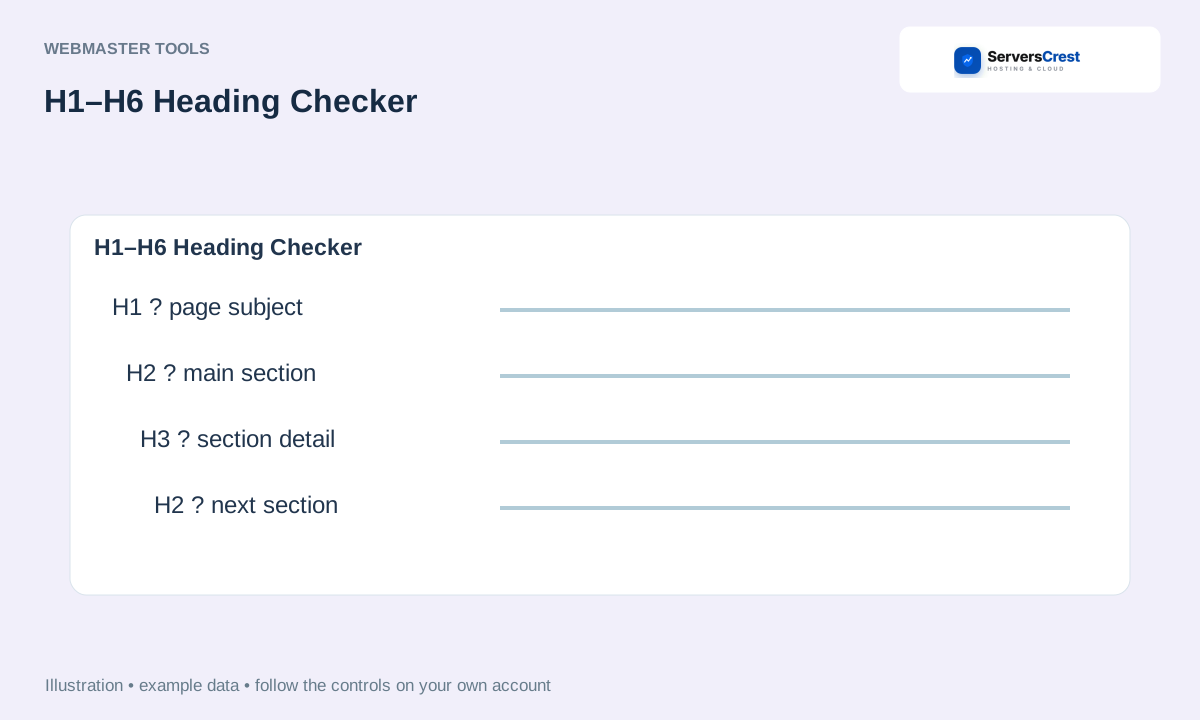
ServersCrest illustration using example details.
Use the outline to find confusing or missing headings, then edit the page in your website editor. The checker does not rewrite the page content.
How to use QR Code Generator · How to use Character & Word Counter
Need help with this? Send us a ticket and tell us which page you reached and what happened.
