

You can use this tool on the ServersCrest Tools page. Add the paths you want crawlers to allow or avoid and the public sitemap URL. Paths should match the website where you will upload the file.
Prepare a robots.txt file
Open Tools and choose Robots.txt Generator.
Pick a preset or start blank.
Add Disallow/Allow paths and your sitemap URL.
Click Generate, then copy or download robots.txt.
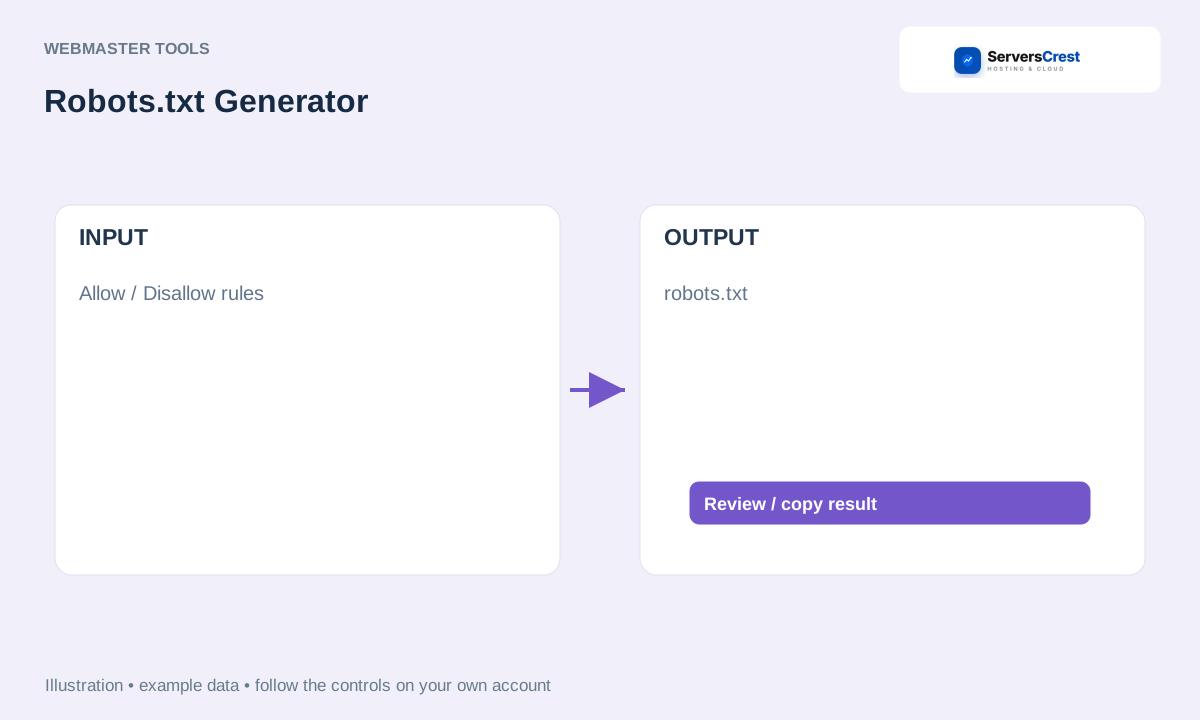
ServersCrest illustration using example details.
Check the rules, then save the file at that website root as robots.txt. Blocking a path is a crawler instruction, not password protection and not a guaranteed way to remove a page from search results.
How to use QR Code Generator · How to use Character & Word Counter
Need help with this? Send us a ticket and tell us which page you reached and what happened.
