

You can use this tool on the ServersCrest Tools page. Enter the public URL of the specific page you want to check. The tool reads what that page currently returns.
Read a page title and description
Open Tools and choose Check Meta Tags.
Enter the page URL.
Click Check.
Review each tag and whether lengths look healthy.
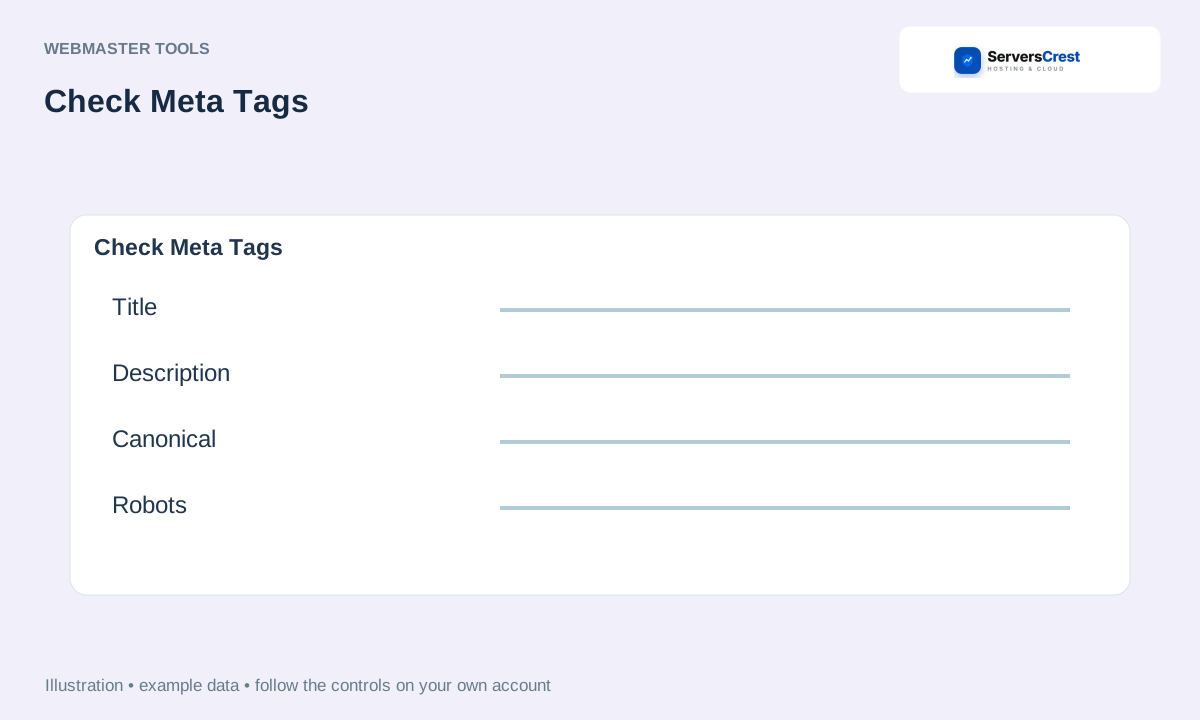
ServersCrest illustration using example details.
If the title or description is wrong, edit it in your website or CMS and check again. This tool reports the tags; it does not save changes to the page.
How to use QR Code Generator · How to use Character & Word Counter
Need help with this? Send us a ticket and tell us which page you reached and what happened.
