

You can use this tool on the ServersCrest Tools page. Paste the full page address, including https://. Use the exact page with the problem rather than only the homepage.
Check what happens when a page opens
Open Tools and choose Check URL.
Paste the URL you want to check.
Click Check.
Read the status, final URL and timing.
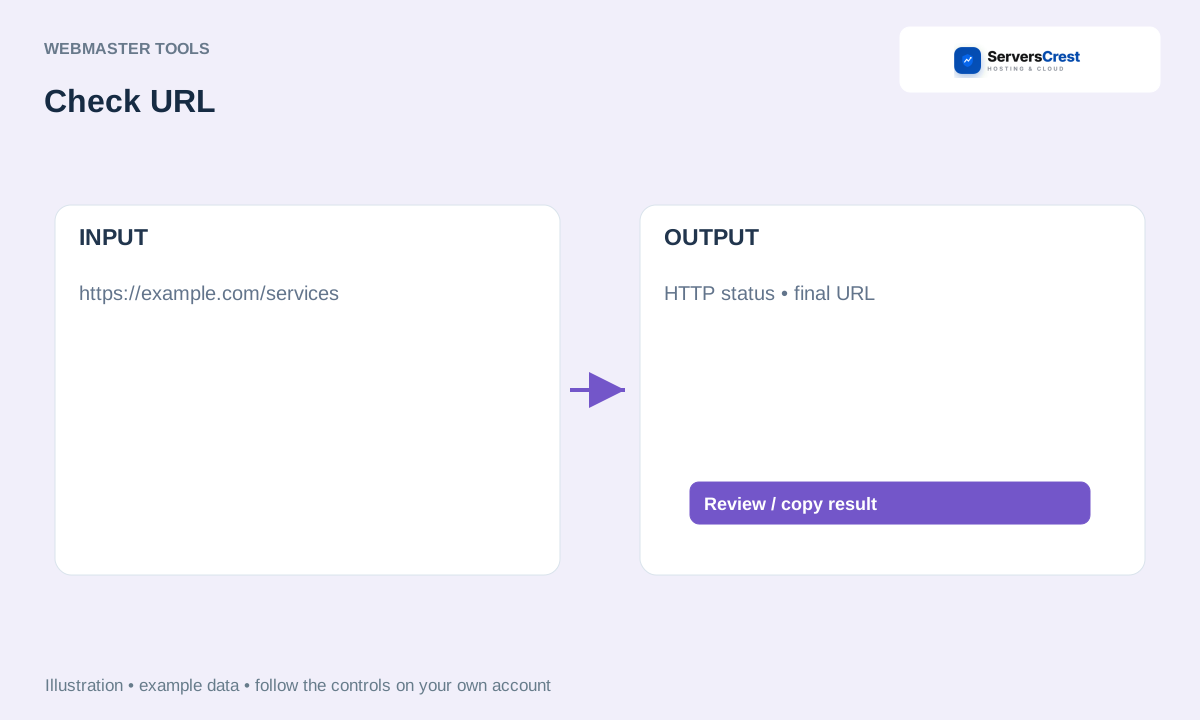
ServersCrest illustration using example details.
Read the status and final URL. A successful response does not prove that every image, form or page feature works. Open the page in your browser too if you are investigating a visitor problem.
How to use QR Code Generator · How to use Character & Word Counter
Need help with this? Send us a ticket and tell us which page you reached and what happened.
