

You can use this tool on the ServersCrest Tools page. Choose Encode for normal text or Decode for a Base64 value. For example, encoding Hello gives SGVsbG8=. Keep the text exactly as intended, including spaces.
Encode or decode a Base64 value
Open Tools and choose Base64 Encode / Decode.
Choose Encode or Decode.
Paste your text.
Copy the result.
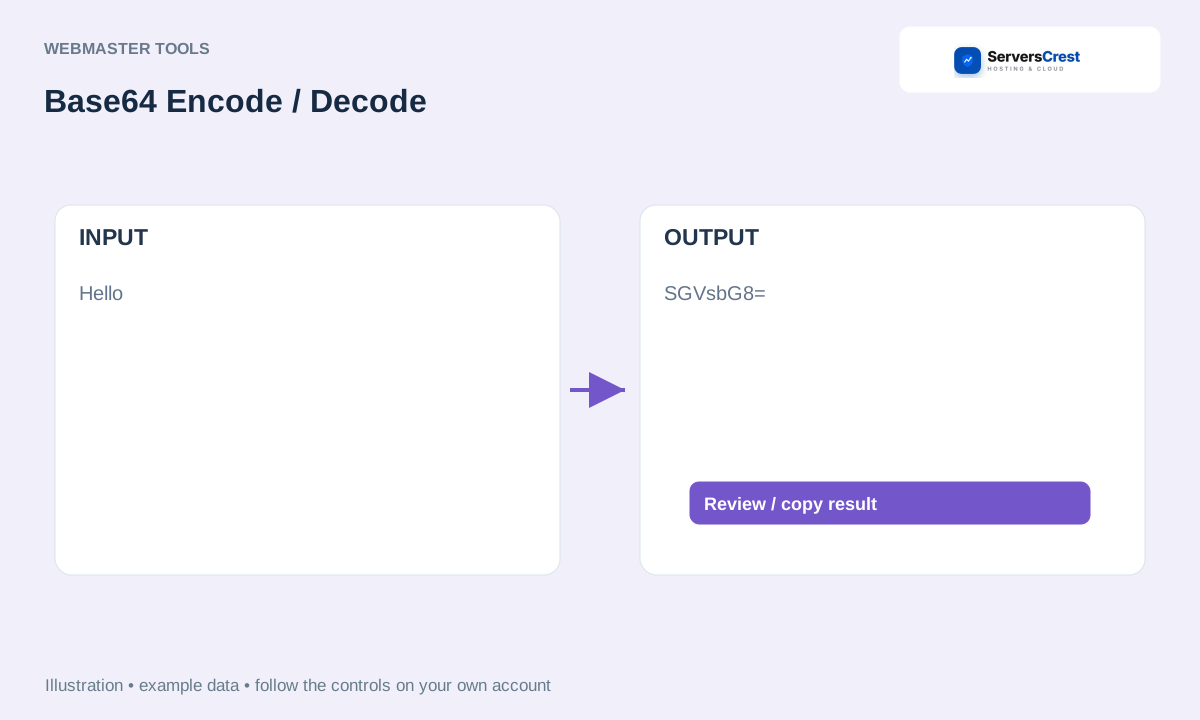
ServersCrest illustration using example details.
Copy the output only after checking the selected direction. Base64 is not encryption, so do not use it to hide a password or other private information.
How to use QR Code Generator · How to use Character & Word Counter
Need help with this? Send us a ticket and tell us which page you reached and what happened.
