

You can use this tool on the ServersCrest Tools page. Choose a length and character types accepted by the website or application where you will use the password. Generate a new value if the first one is unsuitable.
Generate a password for a new account
Open Tools and choose Password Generator.
Choose the length and which character sets to include.
Click Generate (or regenerate for a new one).
Copy it with one click.
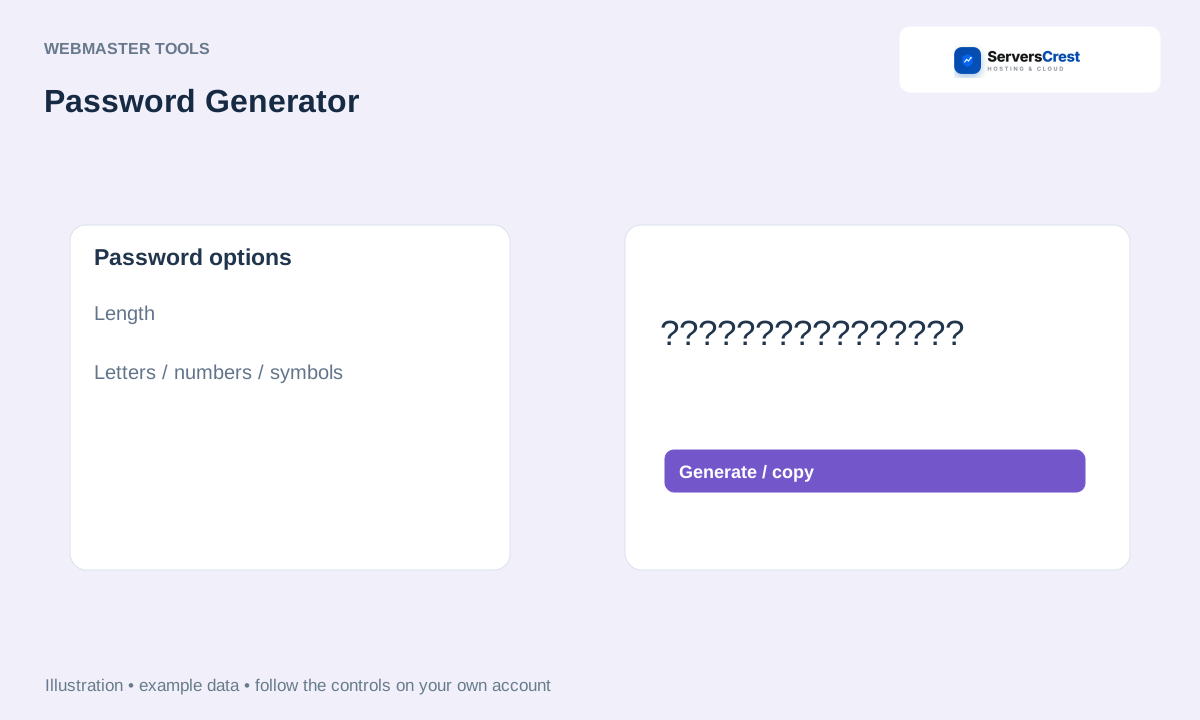
ServersCrest illustration using example details.
Save the copied password in a password manager and set it on the intended account. Generating or copying a password does not change any existing account password.
How to use QR Code Generator · How to use Character & Word Counter
Need help with this? Send us a ticket and tell us which page you reached and what happened.
