

You can use this tool on the ServersCrest Tools page. Use the sitemap URL, not just the website homepage. For example, paste https://example.com/sitemap.xml. The sitemap must be publicly reachable.
Copy page links from an existing sitemap
Open Tools and choose Get Links from Sitemap.
Paste the full URL of the sitemap (e.g. https://example.com/sitemap.xml).
Click Fetch.
Copy the list of URLs that comes back.
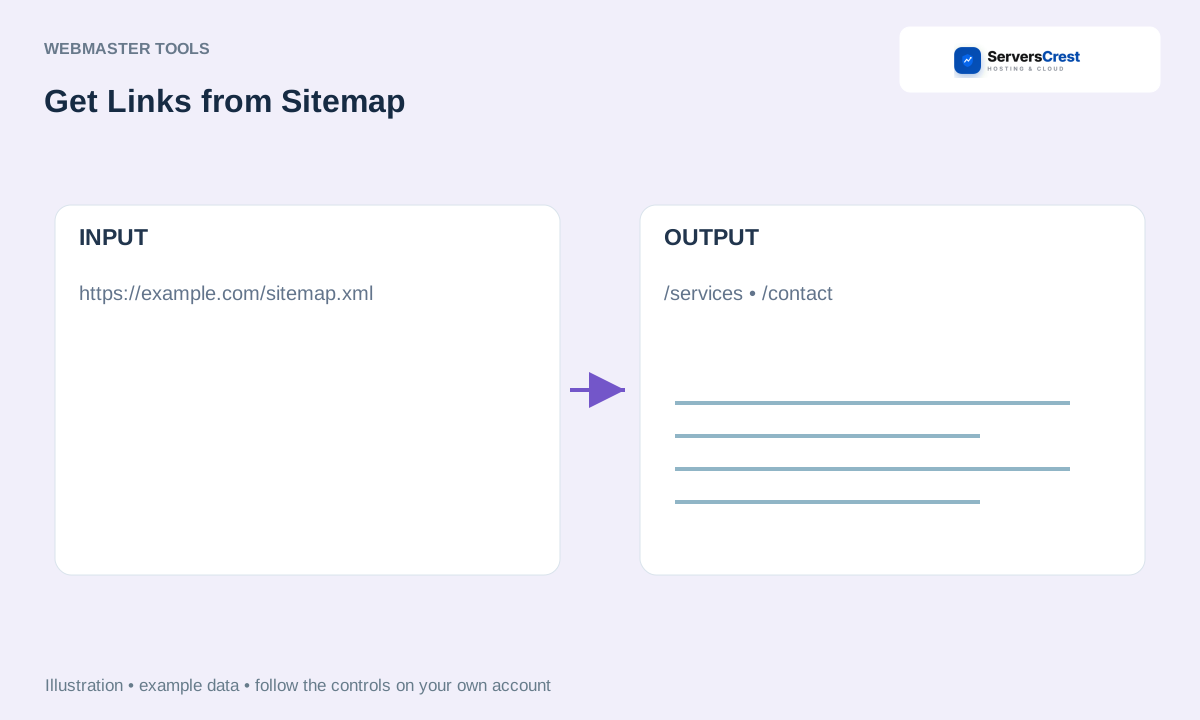
ServersCrest illustration using example details.
Read the returned links before using them in another tool. If nothing is returned, open the sitemap URL in your browser and check that it is the sitemap you intended.
How to use QR Code Generator · How to use Character & Word Counter
Need help with this? Send us a ticket and tell us which page you reached and what happened.
