

You can use this tool on the ServersCrest Tools page. For a website link, paste the full address, including https://. For Wi-Fi, check the network name and security details. The result only contains what you enter; it cannot correct a wrong address.
Make a QR code someone can scan
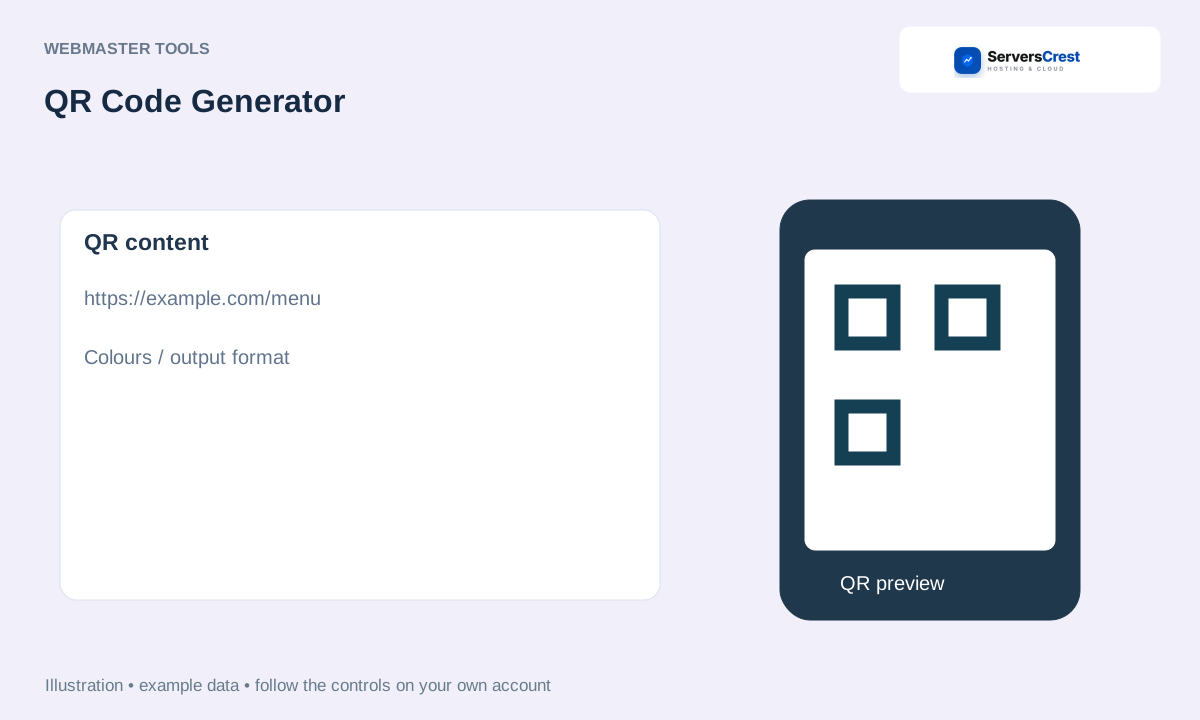
Open Tools and choose QR Code Generator.
Pick what the code should contain (a link, plain text, Wi-Fi details and so on).
Type or paste your data.
Adjust the colours if you like.
Click Generate, then download the PNG or SVG.
After downloading, scan the code with your phone before printing or sharing it. Make sure it opens the intended page. Keep enough contrast between the code and its background.
How to use Character & Word Counter · How to use Get Links from Sitemap
Need help with this? Send us a ticket and tell us which page you reached and what happened.
