

Here is how to choose cPanel Licence Bundles on ServersCrest and find your service after ordering.
Compare what each cPanel bundle includes and whether it is for your server type. Check the included software and account limits.
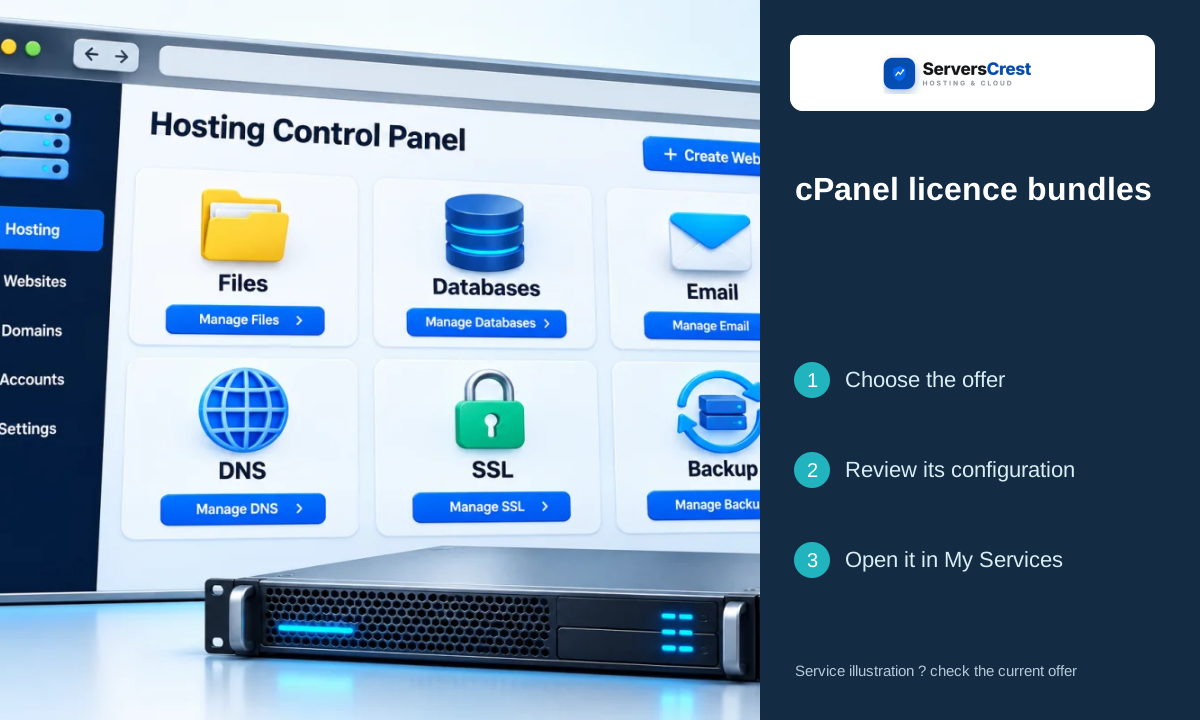
Plans you can choose:
- cPanel Bundle VPS/Cloud
- cPanel Bundle Dedicated
Open the service page to compare current prices and what each plan includes.
Choose your cPanel Licence Bundles order
Open the cPanel Licence Bundles page on ServersCrest. Compare the current choices and select the plan or request option you want.
Enter the requested IP for the server that will use the bundle. Review the complete bundle rather than adding licences you may already have.
Check the product name, billing period, currency and total in the order summary. Sign in to the ServersCrest account that should own this service, then follow the payment instructions.
Find your cPanel Licence Bundles service
Open the bundle service in My Services and follow its delivered instructions for each included component. Check cPanel and the included tools after activation.
A bundle can contain several pieces of software. One successful login does not confirm that every included component has been installed.
Order Control-panel licences through ServersCrest · Order OS and web-server licences through ServersCrest
Need help with this? Send us a ticket and tell us which page you reached and what happened.
